 29
Text expander for Windows, Mac & Linux, with AI rewrites and voice typing

Free PDF & Image Tools - Crush Your File Problems
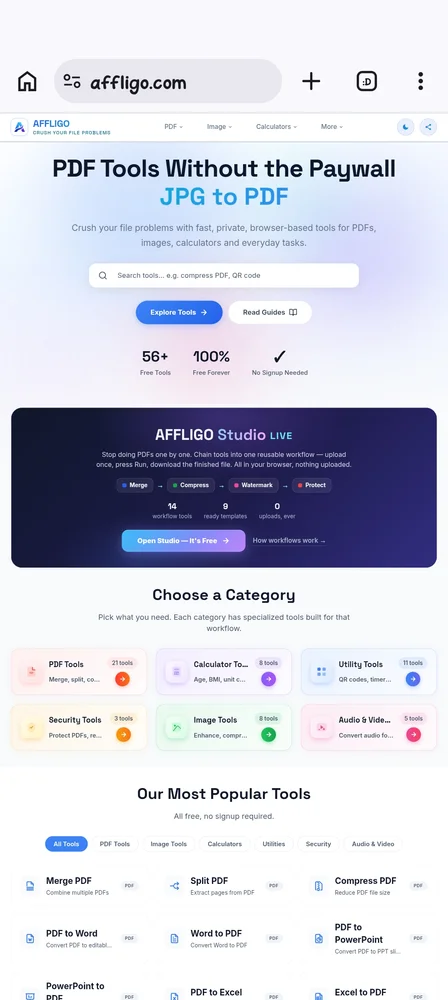
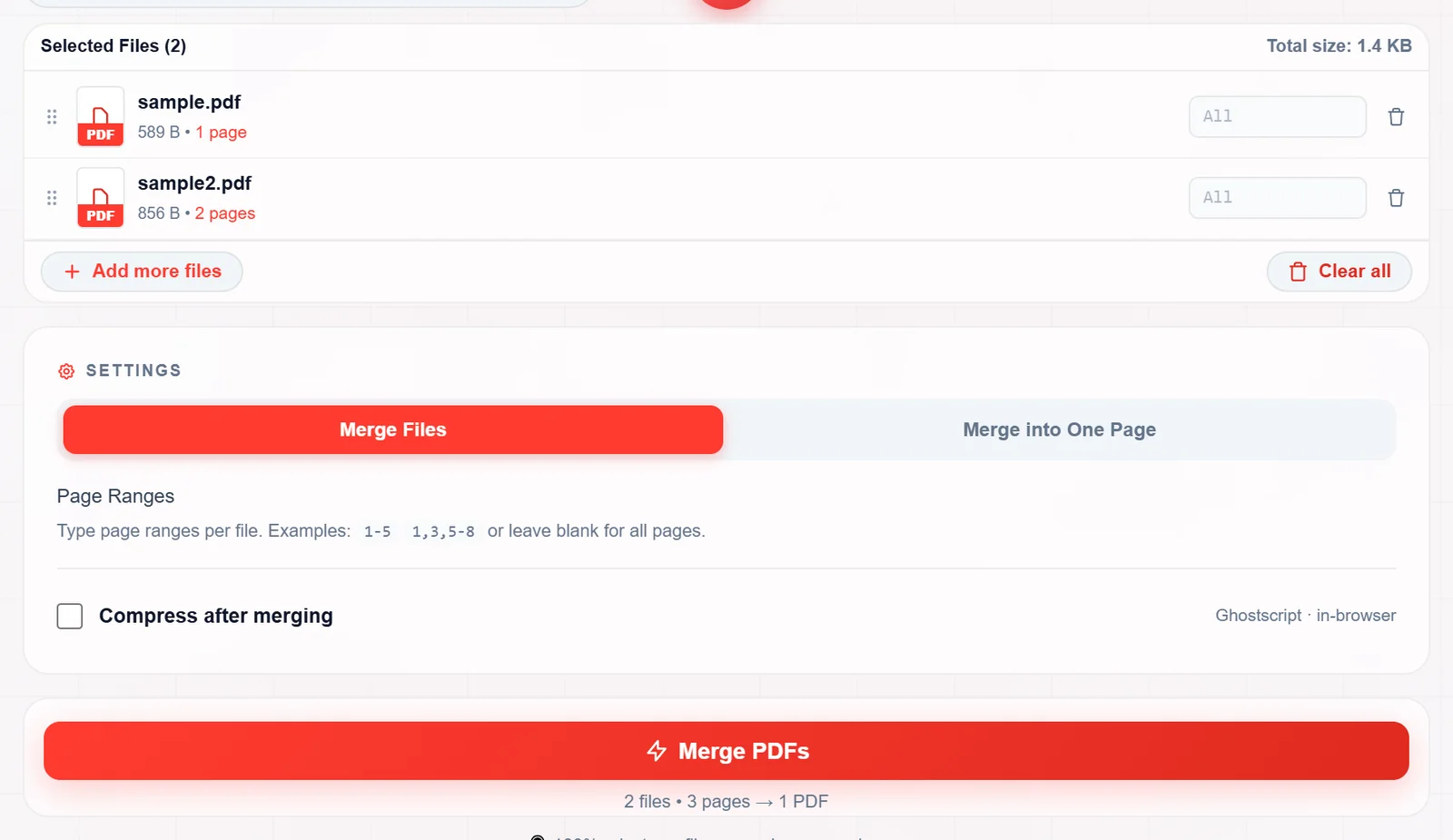
Affligo is a simple collection of free online PDF and image tools designed to make everyday file tasks easier. Whether you need to merge multiple PDFs, compress a large file, split pages, add page numbers, rotate documents, resize images, or convert between image formats, Affligo brings these useful tools together in one place.
We built Affligo with one simple idea in mind: working with files shouldn't be complicated. You shouldn't have to install heavy software or spend time figuring out complicated interfaces just to get a small task done.
Affligo is made for students, professionals, freelancers, creators, and anyone who regularly works with digital files. The tools are easy to use, accessible directly from your browser, and designed to help you get things done without unnecessary steps.
We're continuously improving the platform and adding more useful tools based on everyday needs. Whether it's a quick PDF edit or an image conversion, Affligo is here to make the process a little easier.
Your files, your tasks, made simpler.
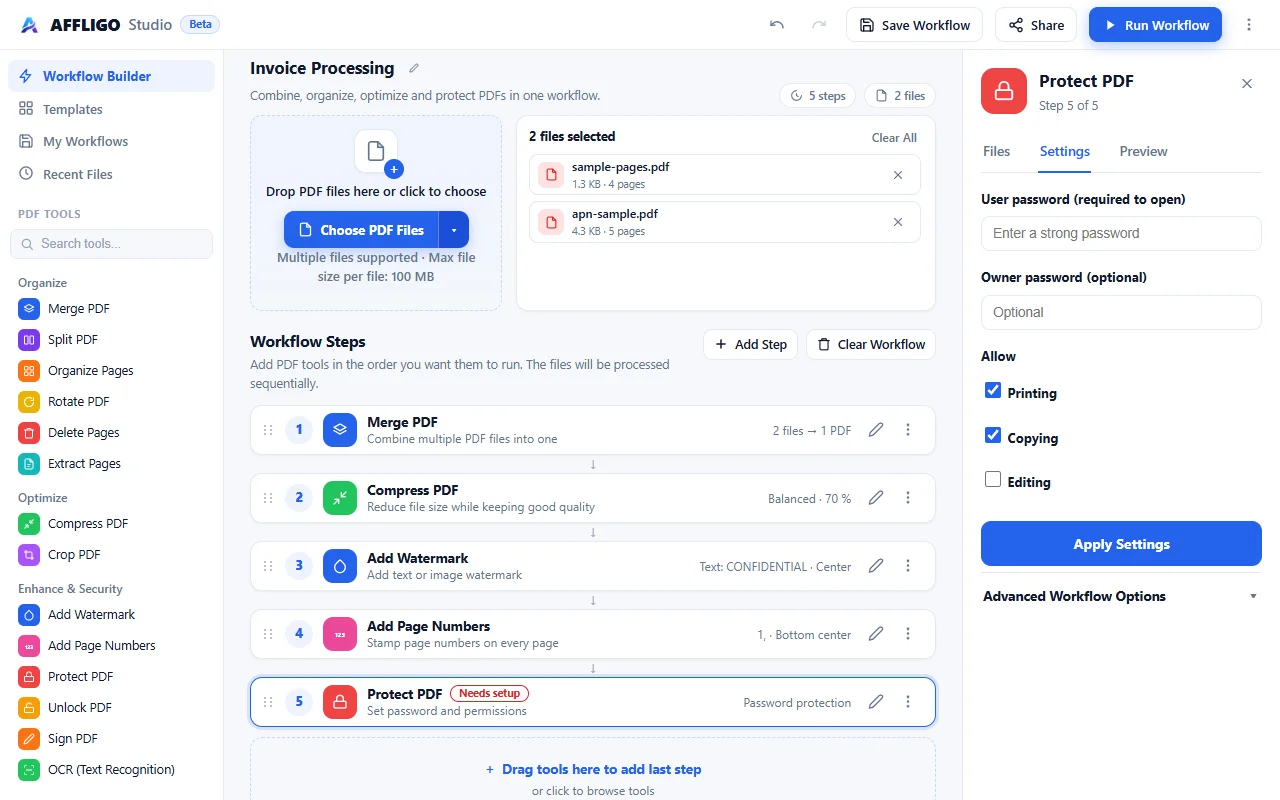
AFFLIGO is a productivity tool for solo founders, students and developers, available on Web. AFFLIGO is free to use. Key features include 56 free tools across PDF, image, video, and text categories, 100% private in-browser processing with no signup, merge, compress, and convert PDF files and compress images without quality loss. It is built by Karan Kumar. It launches on DodoLaunch in week 49 of 2026.
| Product | Pricing | Platforms | Rating |
|---|---|---|---|
| AFFLIGO | Free | Web | – |
| Lightning Assist | From $5.99/mo | macOS, Windows, Linux | – |
| TidyList | From £4.99 one-time | Web | – |
| 1Sentence Deck | Free | Web | – |
| Chitroll for Mac | Paid | macOS | – |
Honest reviews from real users help others decide.
Yes! Affligo offers free online PDF and image tools that you can use directly from your browser. You don't need to install expensive software or create an account just to perform everyday file tasks.
Affligo provides a growing collection of online tools for working with PDF documents and images. You can merge, split, compress, rotate, protect PDFs, add page numbers, resize images, compress images, and convert between popular image formats.
No installation is required. Affligo works directly in your web browser, so you can access its tools from your computer, laptop, tablet, or smartphone without downloading additional software.
Absolutely! Affligo is designed to work across different devices. Whether you're using an Android phone, iPhone, tablet, or desktop computer, you can access the tools through your browser.
Affligo is useful for students, freelancers, professionals, designers, content creators, and anyone who regularly works with PDF documents or images. It's designed to make everyday file management simpler and less time-consuming.
File size and usage limits may vary depending on the tool. You can check the individual tool page for specific requirements and limitations before processing your files.
AFFLIGO is free to use. Prices are as listed by the maker; check the website for current pricing.
AFFLIGO is a productivity tool built for solo founders, students, developers and designers. It is listed in Productivity on DodoLaunch.
Popular alternatives to AFFLIGO in Productivity include Lightning Assist, TidyList, 1Sentence Deck and Chitroll for Mac. They are ranked by reviews, votes and fit on the AFFLIGO alternatives page.
AFFLIGO is scheduled to launch on DodoLaunch in week 49 of 2026.
AFFLIGO is built by Karan Kumar.
29Text expander for Windows, Mac & Linux, with AI rewrites and voice typing
 13
Clear duplicate, private and removed videos from your YouTube playlists
 11
A pitch deck method for founders without warm intros, built on one thesis.
 10
A paper-style to-do list you can cut and tear off on your Mac
 10
Track time per task with and view weekly, monthly, yearly reports
 10
Booking pages that sync with your calendar. Open source, hosted in Germany.
Opens your assistant with a question about us. Read what it says.
Structured, machine-readable access to every launch.
 ChatGPT
 Claude
 Perplexity
 Grok
Discussion.
Ask the makers the question you'd ask on a sales call.