 11
A pitch deck method for founders without warm intros, built on one thesis.

Text expander for Windows, Mac & Linux, with AI rewrites and voice typing
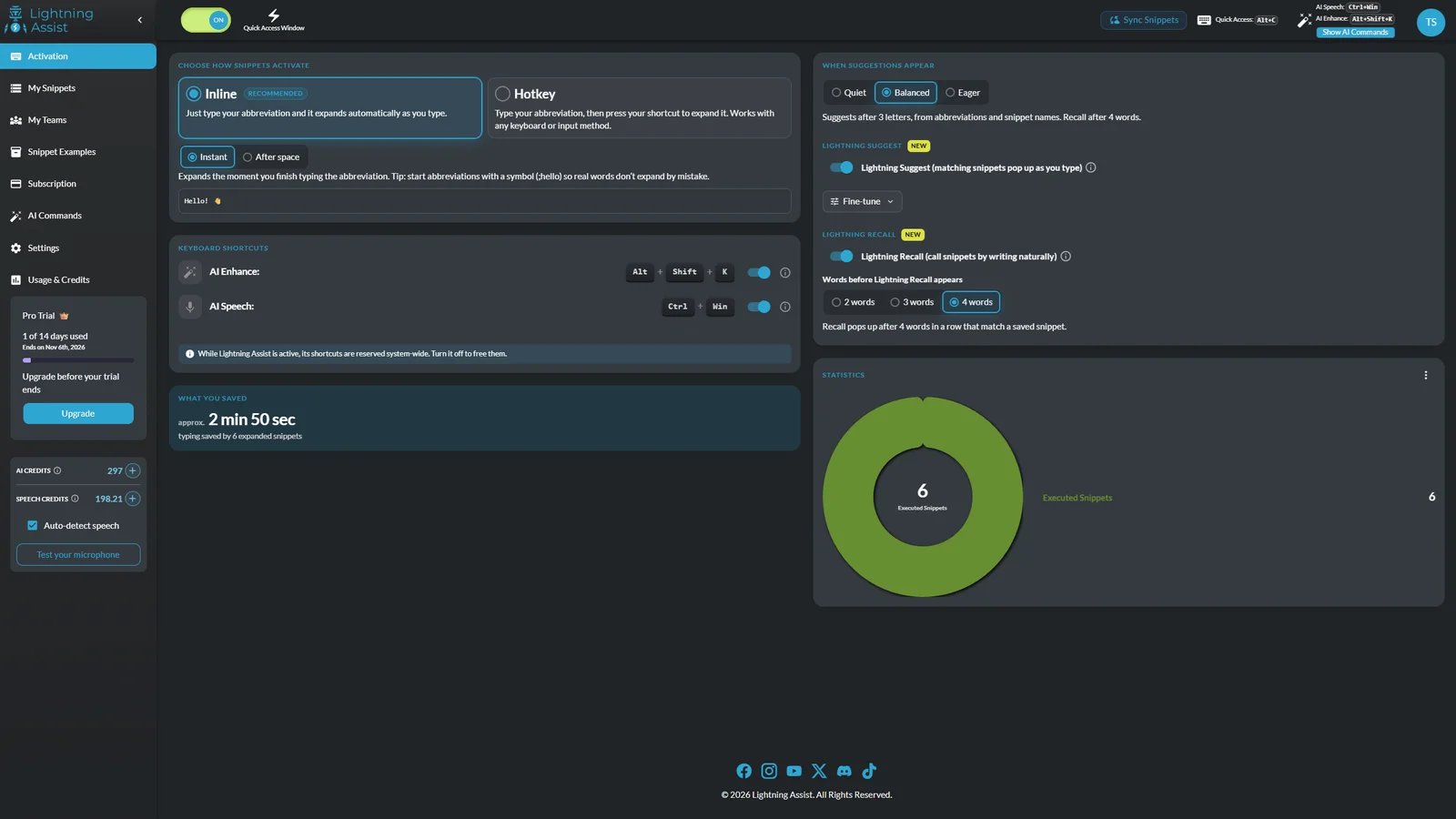
Lightning Assist is a text expander for Windows, macOS and Linux. Type a short trigger like ;addr and it becomes the full text (an address, a support reply, a code block) in any desktop app: Gmail, Outlook, Slack, Zendesk, Word or your terminal. It is a native app, not a browser extension.
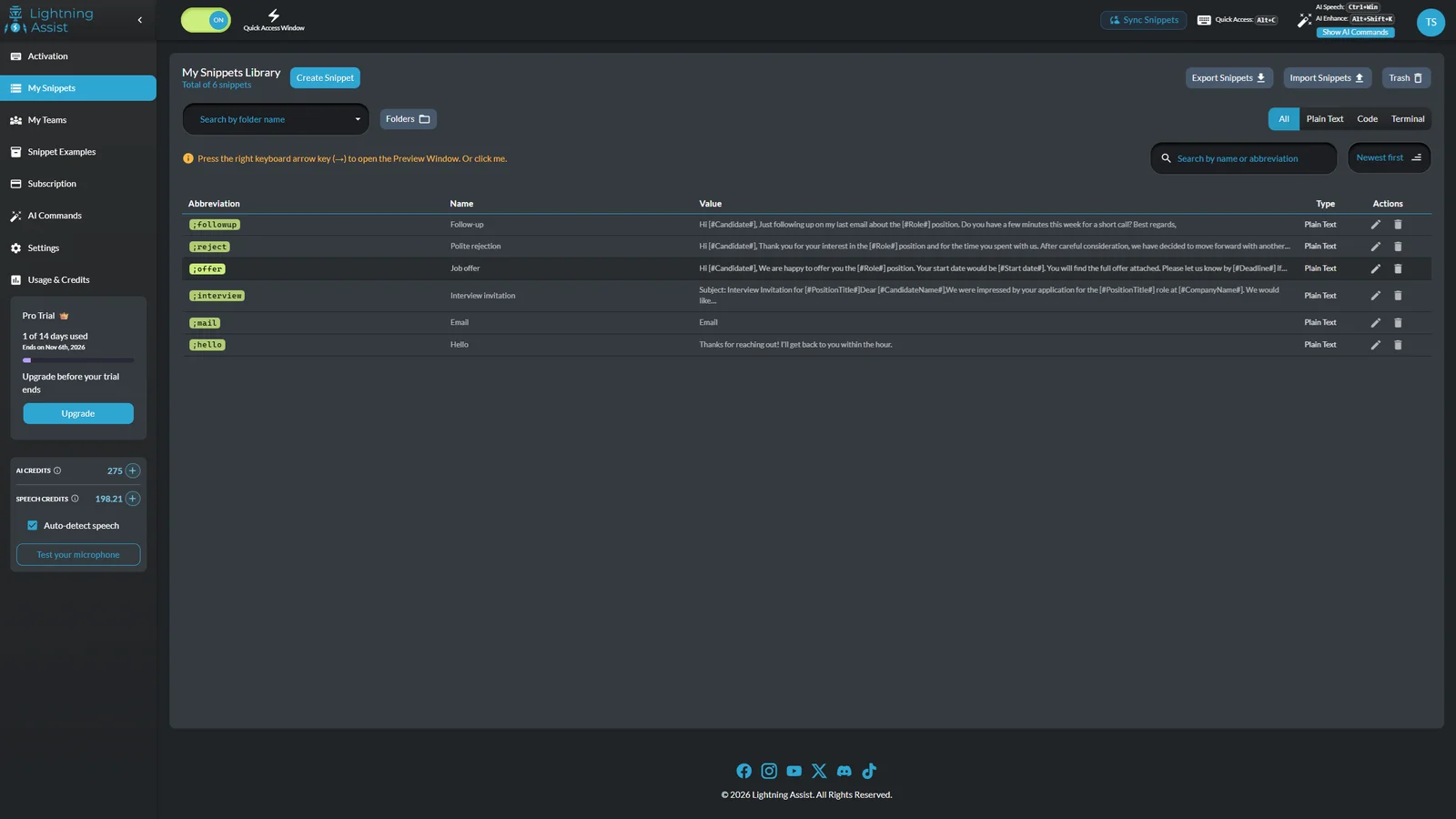
Snippets keep their formatting and can include fill-in fields, dropdown choices and today's date. Organise them in folders and share libraries with your team, so everyone sends the same approved answers.
On top of text expansion:
Built for support and sales teams, recruiters, developers and anyone who types the same things every day. Import your library from TextExpander, Espanso, Text Blaze or CSV.
Text expansion is free with up to 20 snippets. Pro costs $5.99/month or $59.99/year and adds unlimited snippets, more teams and monthly AI and Speech credits. 14-day trial, no card needed.
Lightning Assist is a productivity tool for startups, students and developers, available on macOS, Windows and Linux. Lightning Assist is freemium: there is a free plan and paid plans start at $5.99/mo. Key features include expands in any desktop app, no browser extension, inline or hotkey expansion, fill-in fields and dropdowns inside snippets and shared team snippet libraries. It is built by Lightning Assist. It launched on DodoLaunch in week 47 of 2026, finishing No. 1 that week.
Prices as listed by the maker. Check the website for current pricing.
| Product | Pricing | Platforms | Rating |
|---|---|---|---|
| Lightning Assist | From $5.99/mo | macOS, Windows, Linux | – |
| 1Sentence Deck | Free | Web | – |
| TidyList | From £4.99 one-time | Web | – |
| Chitroll for Mac | Paid | macOS | – |
| Pawfora | From $109/mo | Web | – |
Honest reviews from real users help others decide.
Yes. Text expansion is free with up to 20 snippets, no card and no time limit. Pro is $5.99/month or $59.99/year, with a 14-day trial.
No. It's a native desktop app, so it works in any app you type in: browsers, email clients, chat apps, editors and terminals.
Yes, on Windows, macOS and Linux, including Wayland.
Yes. You can import from TextExpander, Espanso, Text Blaze or CSV, and the import preview is free.
AI Commands use AI Credits and voice typing uses Speech Credits. Every account starts with some, Pro adds 1000 of each every month, and credits never expire.
Lightning Assist is available on macOS, Windows and Linux.
Lightning Assist is a productivity tool built for startups, students, developers and marketers. It is listed in Productivity on DodoLaunch.
Popular alternatives to Lightning Assist in Productivity include 1Sentence Deck, TidyList, Chitroll for Mac and Pawfora. They are ranked by reviews, votes and fit on the Lightning Assist alternatives page.
Lightning Assist launched on DodoLaunch in week 47 of 2026 and finished No. 1 on the weekly board.
Lightning Assist is built by Lightning Assist.
11A pitch deck method for founders without warm intros, built on one thesis.
 11
Clear duplicate, private and removed videos from your YouTube playlists
TidyList vs Lightning Assist › 10
A paper-style to-do list you can cut and tear off on your Mac
Chitroll for Mac vs Lightning Assist ›Manage bookings, scheduling, and grooming reports for your pet shop in one platf
Pawfora vs Lightning Assist › 8
7 free cold email templates to get investor meetings, from pre-seed to Series A
 8
Track time per task with and view weekly, monthly, yearly reports
Opens your assistant with a question about us. Read what it says.
Structured, machine-readable access to every launch.
 ChatGPT
 Claude
 Perplexity
 Grok
Discussion.
Ask the makers the question you'd ask on a sales call.