 8
A native macOS file manager and code editor

Stop keeping your to-do list by hand. Let Pippin do it.
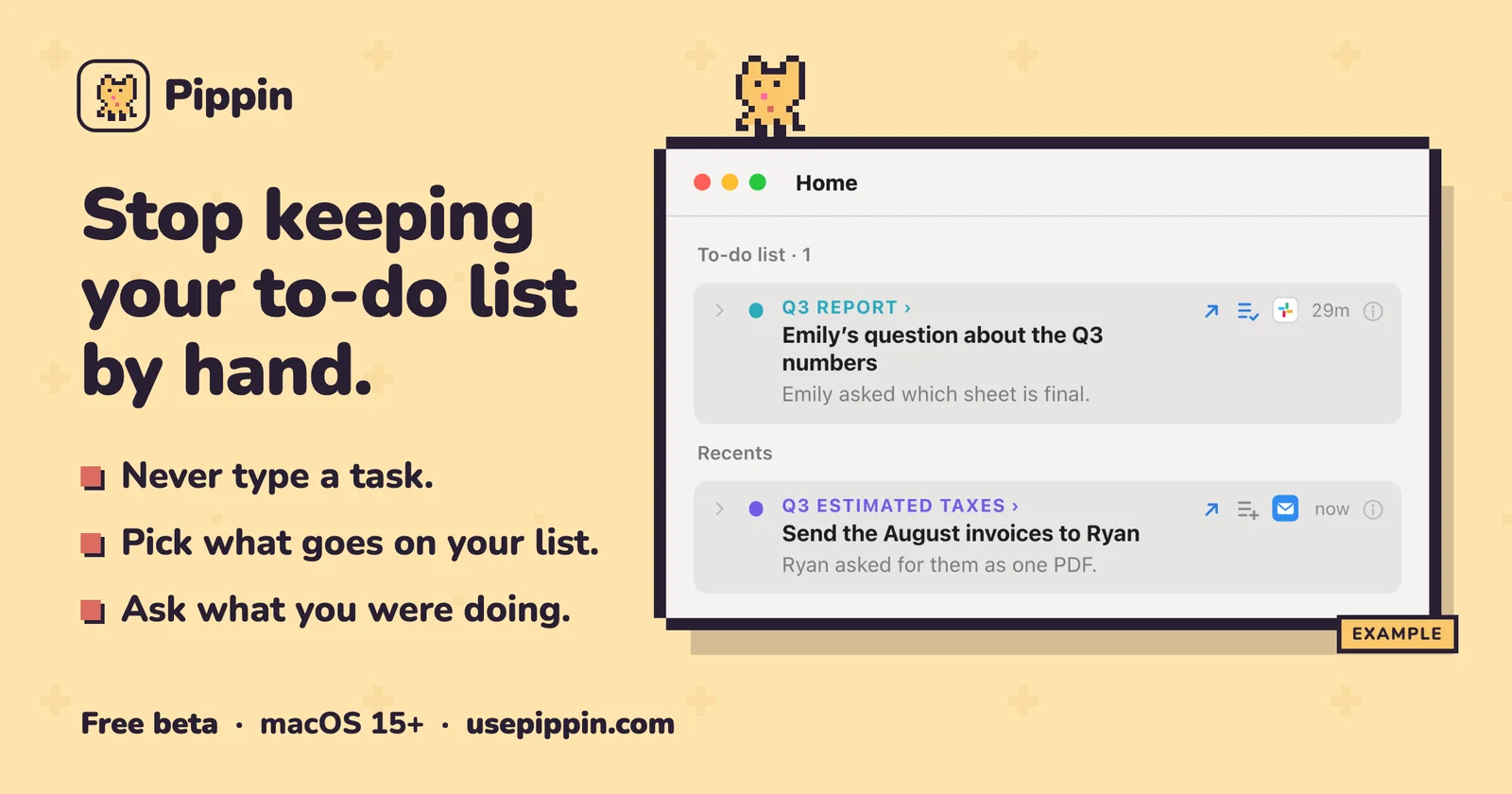
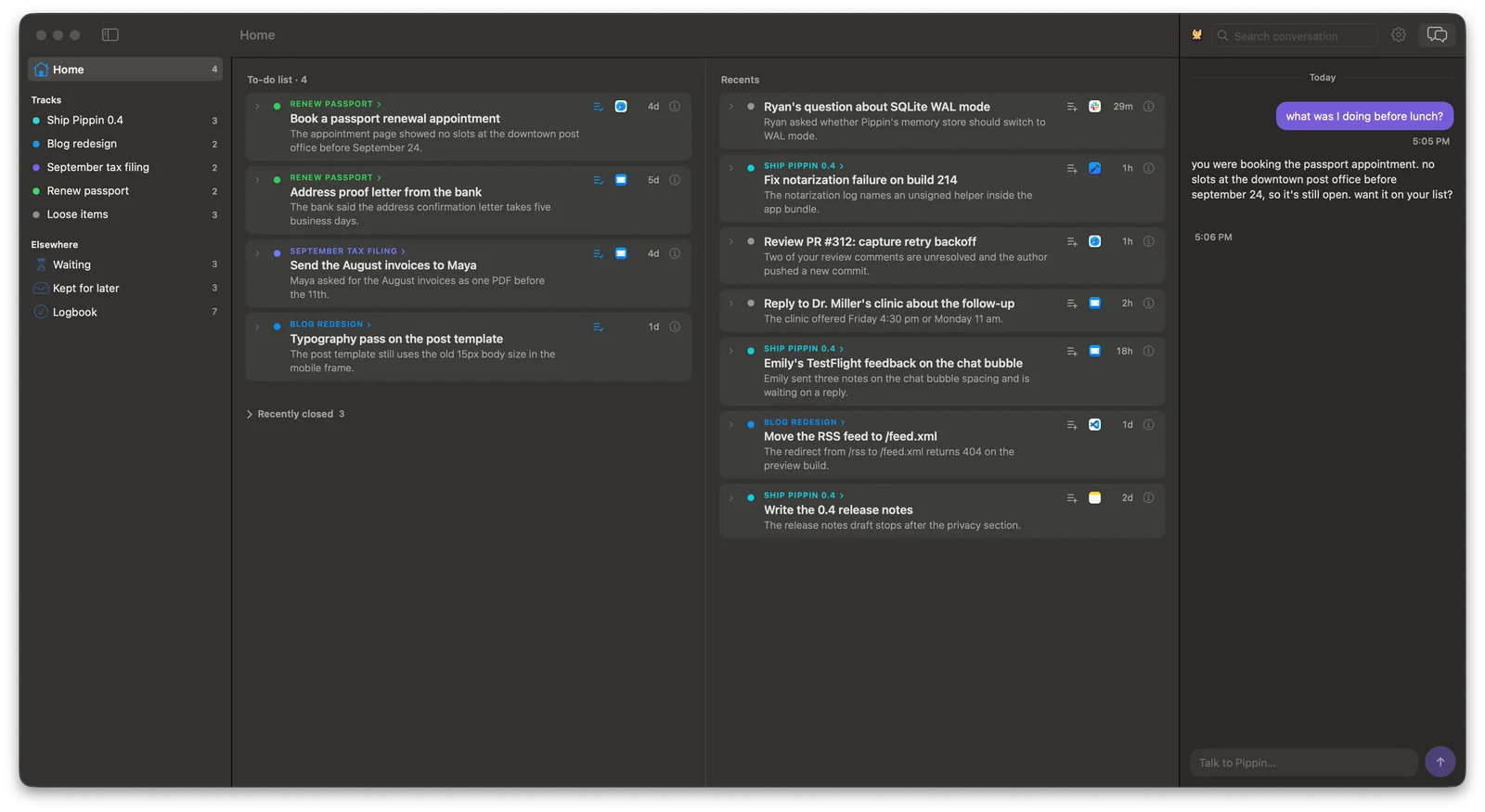
Pippin is an automatic task list for your Mac. It reads the text in your windows and writes your to-do list while you work.
For anyone who has given up on to-do apps, forgets what's waiting on them, or has too much to keep track of, Pippin takes the chore out of keeping a list current.
What it does
Your data and your AI
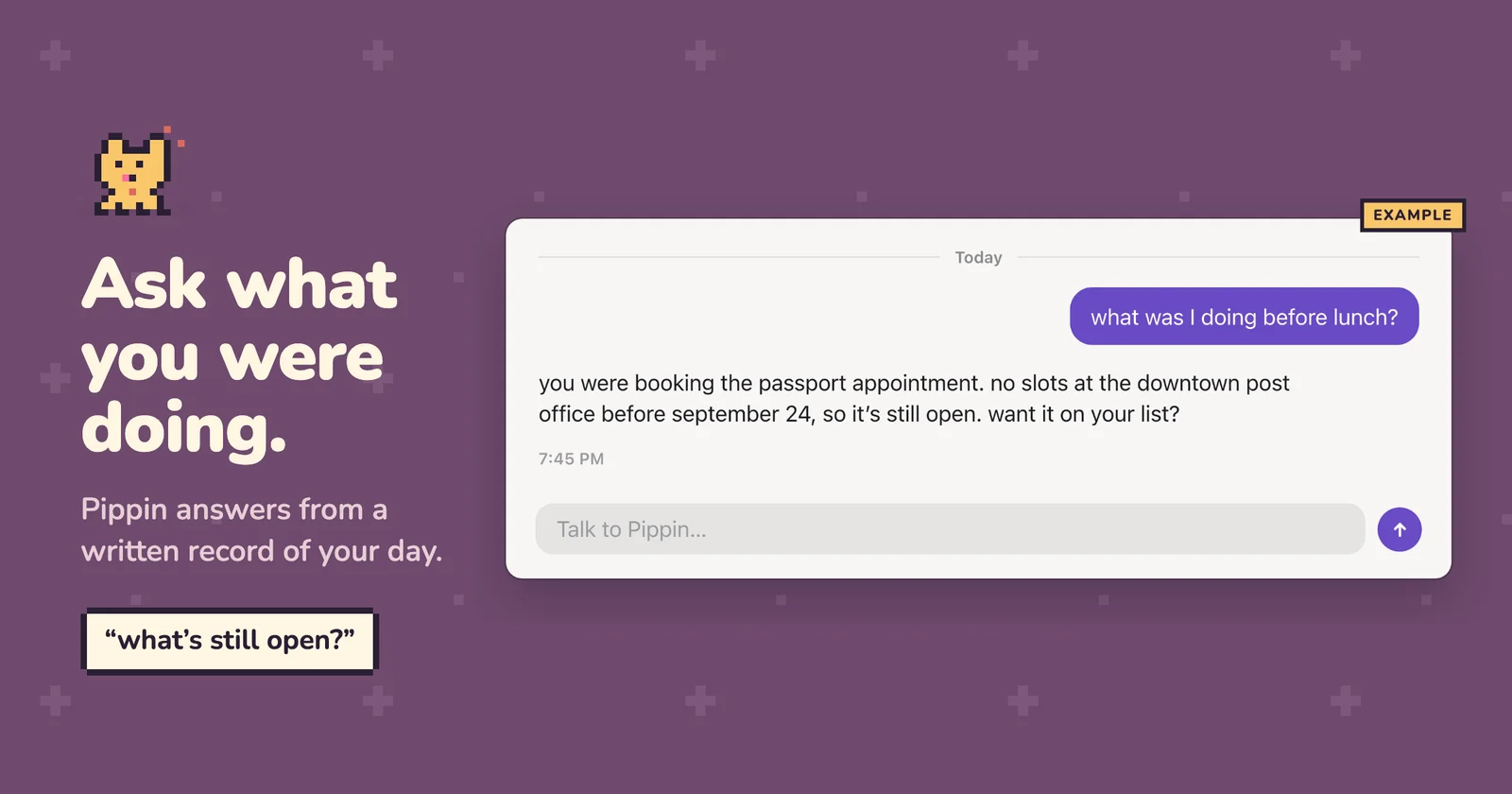
Your saved data stays on your Mac, with no Pippin account required. To understand your work, Pippin sends relevant text to the AI provider you choose. It reads text, not screenshots.
What you need
Free during the beta. AI usage is covered by your own plan or provider billing.
You do the work. Pippin keeps the list.
Pippin is a Mac app for solo founders, developers and freelancers, available on macOS. Pippin is free to use. Key features include automatic tasks from on-screen text, task updates and completion as work moves, waiting-on-reply tracking and automatic project grouping. It integrates with ChatGPT, Claude and OpenRouter. It is built by Shubham Padia. It launched on DodoLaunch in week 45 of 2026, finishing No. 17 that week.
Prices as listed by the maker. Check the website for current pricing.
| Product | Pricing | Platforms | Rating |
|---|---|---|---|
| Pippin | Free | macOS | – |
| Filesmac | Free trial | macOS | – |
| Split | Paid | macOS | – |
| Maclip | From $9.99/mo | macOS | – |
| Freshly Squeezed | Free trial | macOS | – |
Honest reviews from real users help others decide.
A Mac with macOS 15 or later and Apple silicon, plus your own AI: a ChatGPT plan, or a Claude or OpenRouter key.
Pippin is free during the beta. Bring your own ChatGPT plan, Claude key or OpenRouter key; your AI plan limits or provider charges apply separately.
Your saved data stays on your Mac, with no Pippin account required. Pippin reads text rather than taking screenshots and sends relevant text to the AI provider you choose to understand your work. See https://usepippin.com/privacy/ for details.
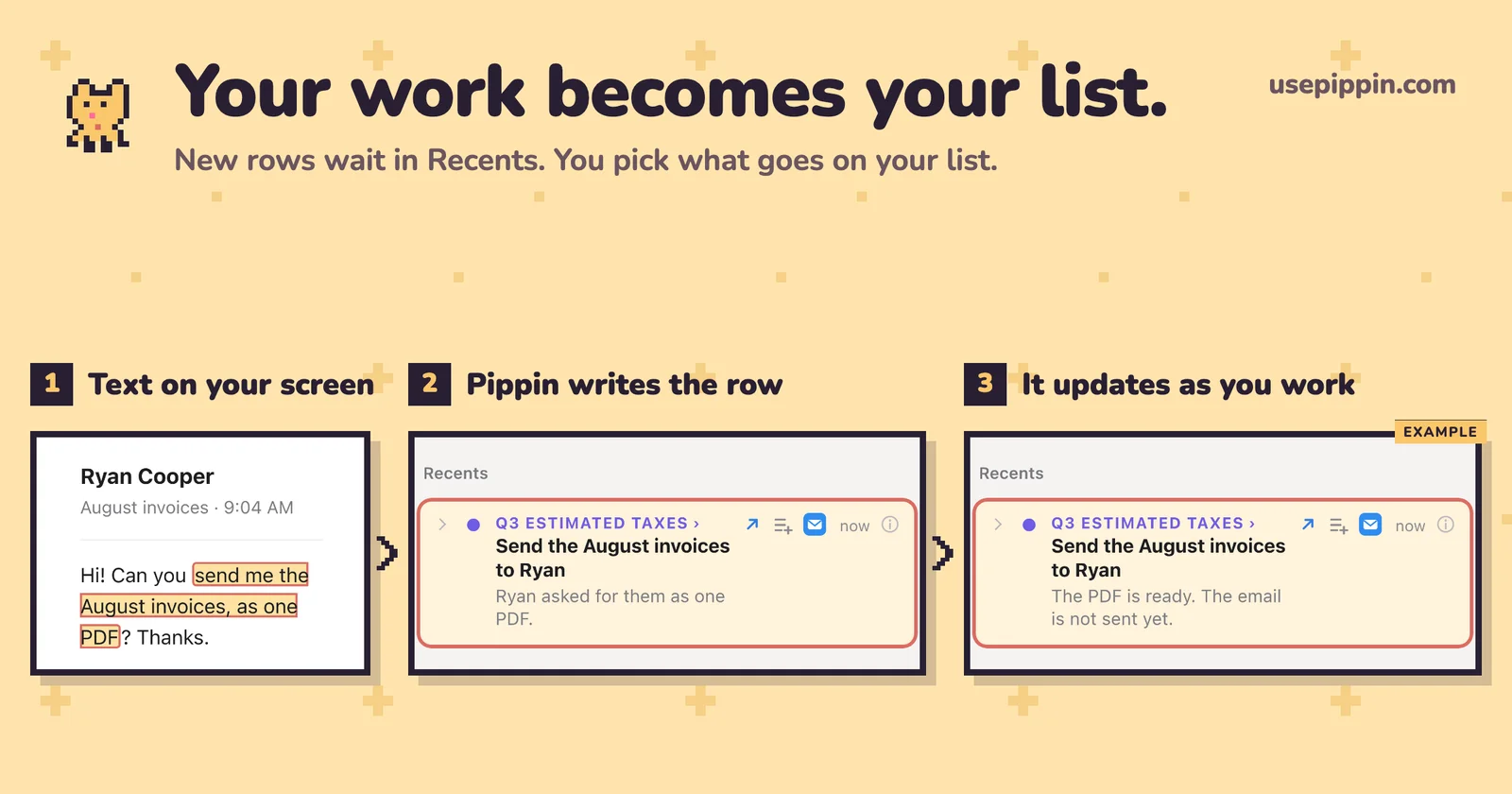
New rows wait in Recents. You choose which ones to add to your To-do list. Related rows form projects automatically, and Pippin updates and closes rows as your work moves.
Pippin is free to use. Prices are as listed by the maker; check the website for current pricing.
Pippin is available on macOS. It integrates with ChatGPT, Claude and OpenRouter.
Pippin is a Mac app built for solo founders, developers and freelancers. It is listed in Mac Apps on DodoLaunch.
Popular alternatives to Pippin in Mac Apps include Filesmac, Split, Maclip and Freshly Squeezed. They are ranked by reviews, votes and fit on the Pippin alternatives page.
Pippin launched on DodoLaunch in week 45 of 2026 and finished No. 17 on the weekly board.
Pippin is built by Shubham Padia.
8A native macOS file manager and code editor
 8
Pair two Mac windows; one divider resizes both.
 1
Maclip is a fast, private clipboard manager for Mac
 0
Freshly Squeezed - A powerful batch image resizing tool for Mac
 0
Convert, compress and crop files on your Mac without opening an app
 0
Fix audio ducking on MacOS and more!
Opens your assistant with a question about us. Read what it says.
Structured, machine-readable access to every launch.
 ChatGPT
 Claude
 Perplexity
 Grok
Discussion.
Ask the makers the question you'd ask on a sales call.