 16
TapMac turns a tap on your MacBook into an action
Gettapmac vs Maclip ›
Maclip is a fast, private clipboard manager for Mac
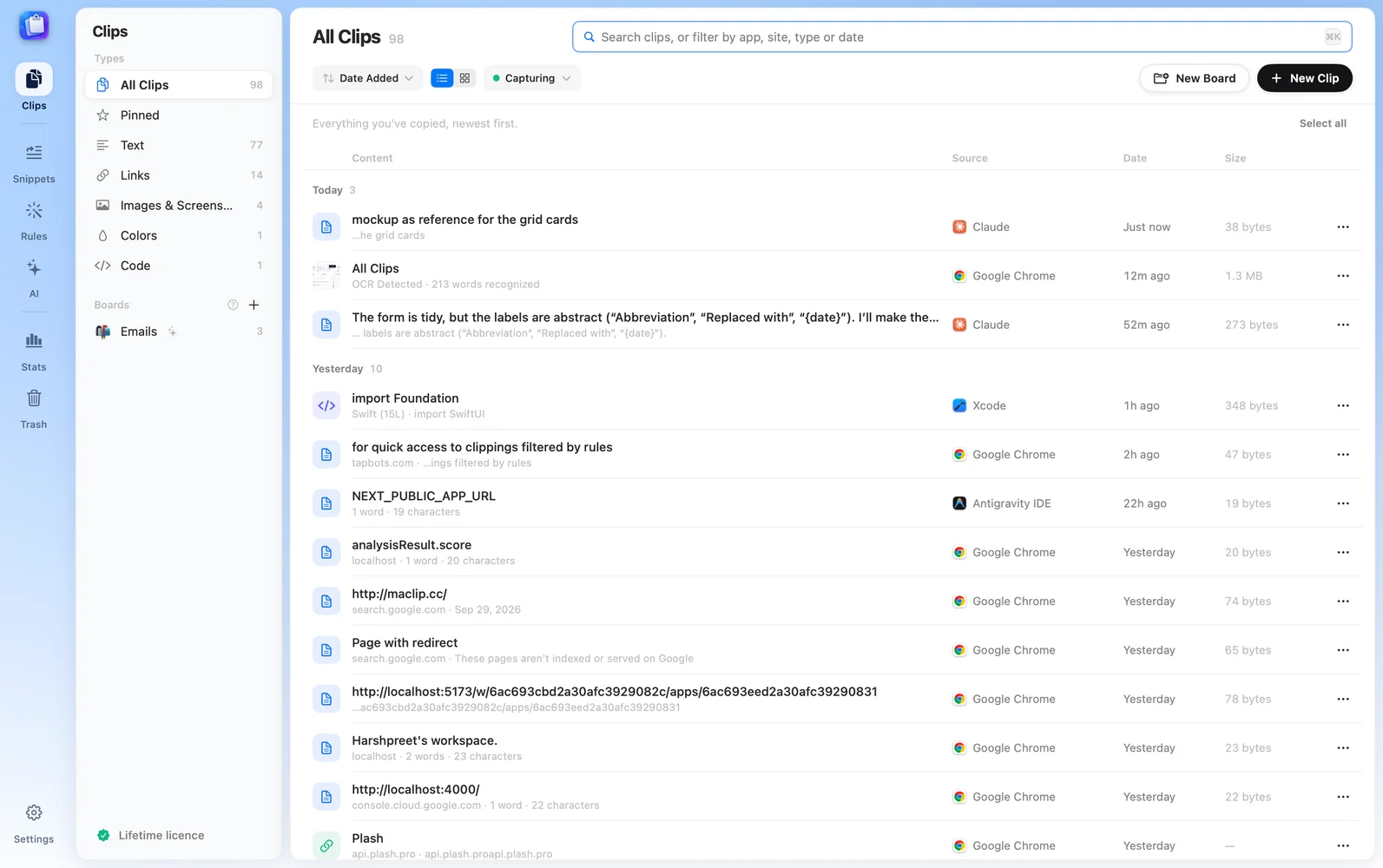
Maclip is a fast, private clipboard manager for Mac: history at your cursor, snippets, smart search and on-device AI writing, encrypted on your Mac. Pay once.
What you get
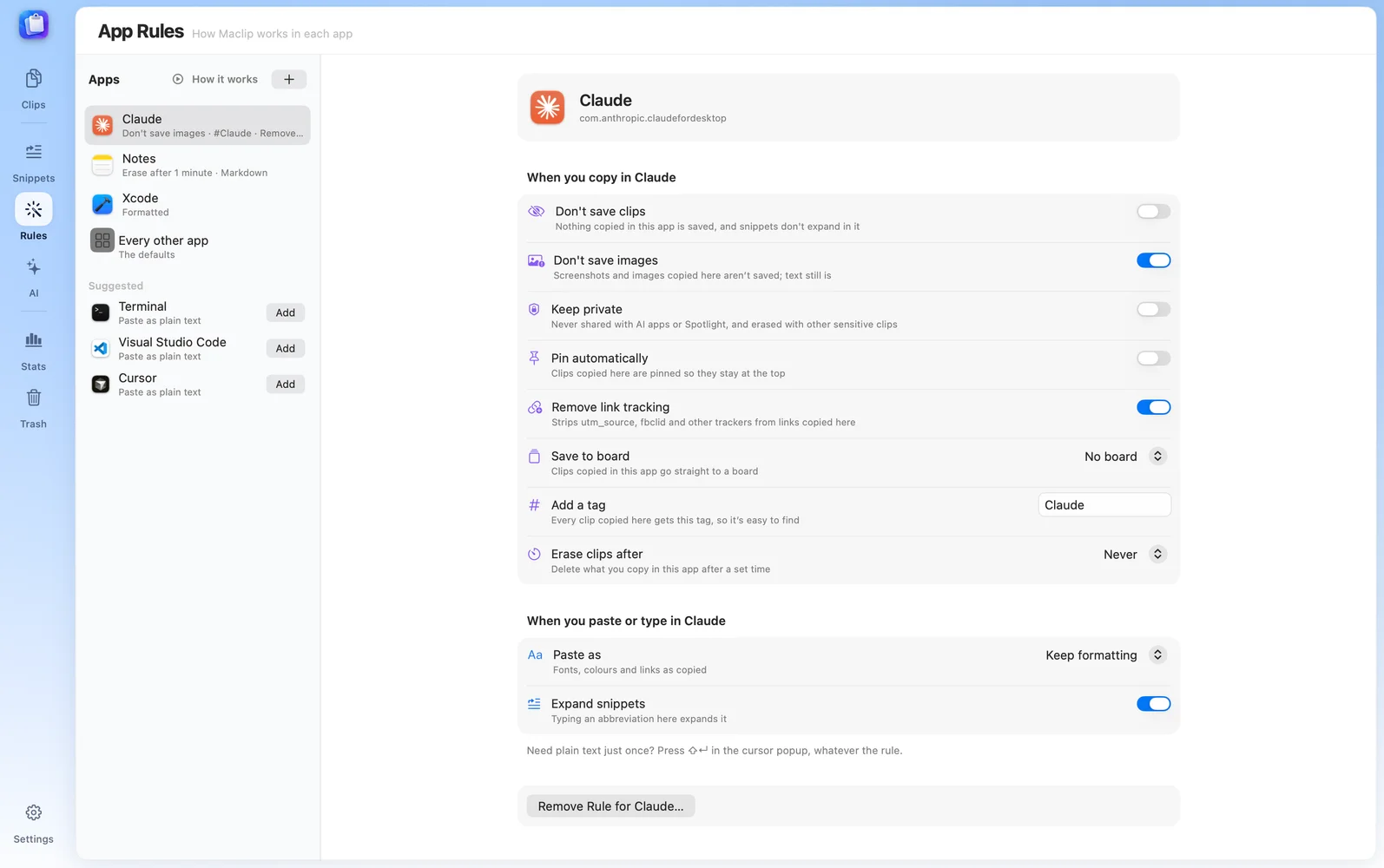
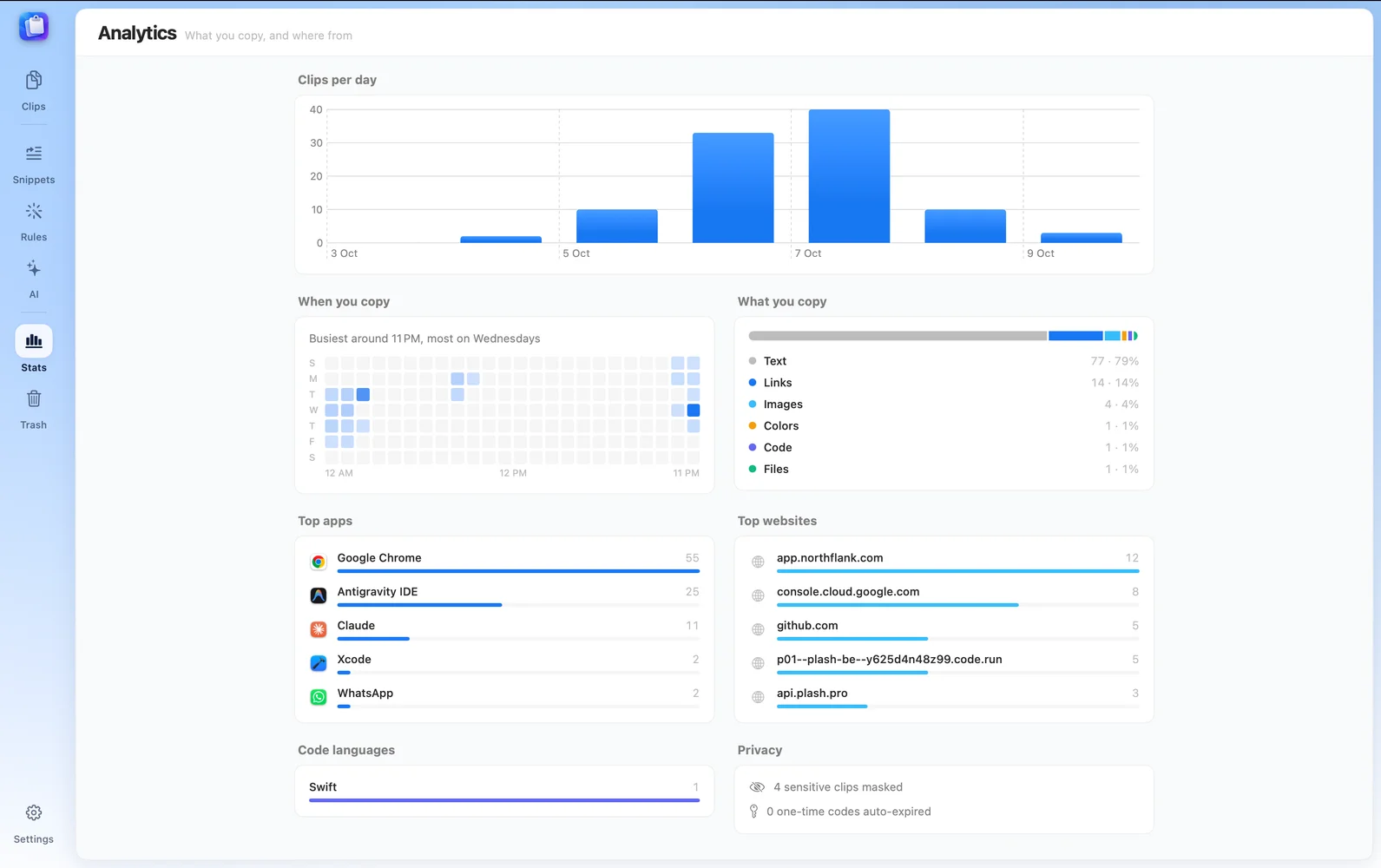
Maclip is a Mac app for solo founders, agencies and startups, available on macOS. Maclip is paid with a free trial; plans start at $9.99/mo. Key features include never lose anything you copy on your Mac, three keys, and nothing you copy is lost, what other clipboard managers don’t do and opens where you’re typing. It is built by Harshpreet Singh. It launched on DodoLaunch in week 45 of 2026, finishing No. 11 that week.
Prices as listed by the maker. Check the website for current pricing.
| Product | Pricing | Platforms | Rating |
|---|---|---|---|
| Maclip | From $9.99/mo | macOS | – |
| Gettapmac | From $7.99/mo | macOS | 4.8 (4) |
| Freshly Squeezed | Free trial | macOS | 4.0 (1) |
| Filesmac | Free trial | macOS | – |
| Split | Paid | macOS | – |
Honest reviews from real users help others decide.
Maclip is paid with a free trial; plans start at $9.99/mo. Listed plans: Lifetime at $9.99/one-time. Prices are as listed by the maker; check the website for current pricing.
Maclip is a paid product with a free trial, so you can test it before you pay.
Maclip is available on macOS.
Maclip is a Mac app built for solo founders, agencies, startups and students. It is listed in Mac Apps on DodoLaunch.
Popular alternatives to Maclip in Mac Apps include Gettapmac, Freshly Squeezed, Filesmac and Split. They are ranked by reviews, votes and fit on the Maclip alternatives page.
Maclip launched on DodoLaunch in week 45 of 2026 and finished No. 11 on the weekly board.
Maclip is built by Harshpreet Singh.
16TapMac turns a tap on your MacBook into an action
Gettapmac vs Maclip › 9
Freshly Squeezed - A powerful batch image resizing tool for Mac
Freshly Squeezed vs Maclip › 8
A native macOS file manager and code editor
Filesmac vs Maclip › 8
Pair two Mac windows; one divider resizes both.
Split vs Maclip › 7
Stop keeping your to-do list by hand. Let Pippin do it.
Pippin vs Maclip › 6
Fix audio ducking on MacOS and more!
Opens your assistant with a question about us. Read what it says.
Structured, machine-readable access to every launch.
 ChatGPT
 Claude
 Perplexity
 Grok
Discussion.
1 commentHuge congratulations on the launch! As someone who spends 10+ hours a day on macOS jumping between coding, copywriting, and documentation, a fast and dependable clipboard manager is one of the most critical daily driver utilities. Most existing alternatives on the market have become bloated with unnecessary cloud features, slow Electron wrappers, or intrusive subscriptions. Seeing a lightweight, privacy-focused native tool is really refreshing. A couple of questions about the current roadmap and capabilities: 1. Security & Privacy Exclusions: Does Maclip automatically detect and exclude sensitive data copied from password managers (such as 1Password, Bitwarden, or Apple Keychain)? Additionally, can users configure specific app blacklists so sensitive terminal outputs or internal tools never get logged to history? 2. Snippet Organization & Search: How does search performance hold up once the local clipboard cache exceeds several thousand items? Do you support fuzzy search, regex filtering, and the ability to pin permanent snippets with customizable global hotkeys? 3. Data Storage & Portability: Is the clipboard database stored strictly as a local SQLite/encrypted file on device, and do you plan to introduce optional zero-knowledge iCloud sync for users working across multiple Macs? Great work keeping it clean and privacy-first! Wishing you huge success with this release.