
 8
Copy any website's real CSS, tokens and fonts, or hand them to your AI agent

Your home for visual inspiration
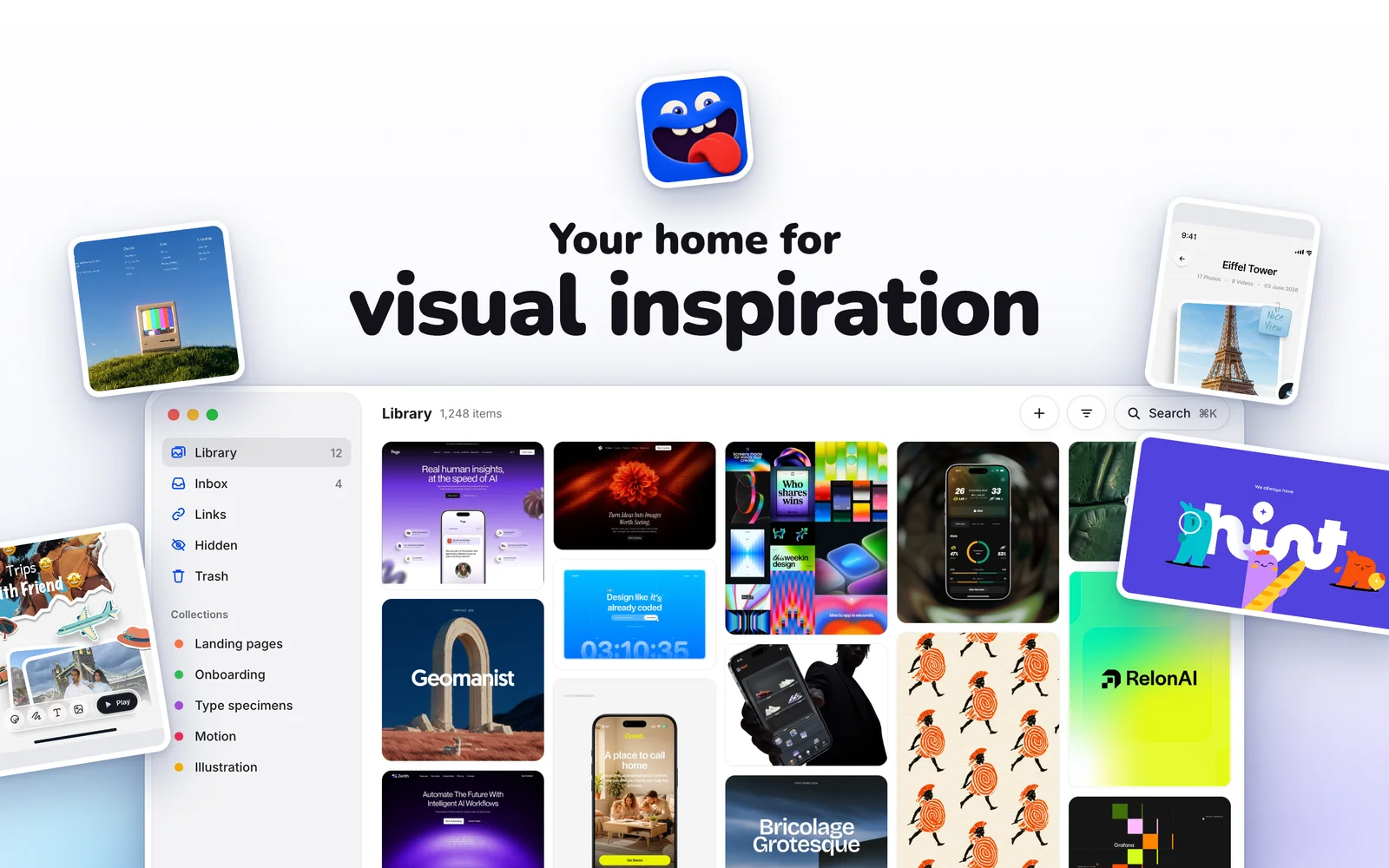
#Moody — your home for visual inspiration, right on your Mac
Designers collect inspiration all the time: screenshots of clever interfaces, posts from X and Instagram, landing pages, type specimens, motion studies. Most of it ends up scattered across the Desktop, Downloads and forgotten folders. Moody gives all of it one home: a fast, beautiful visual library that lives on your Mac and helps you find the right reference when you need it.
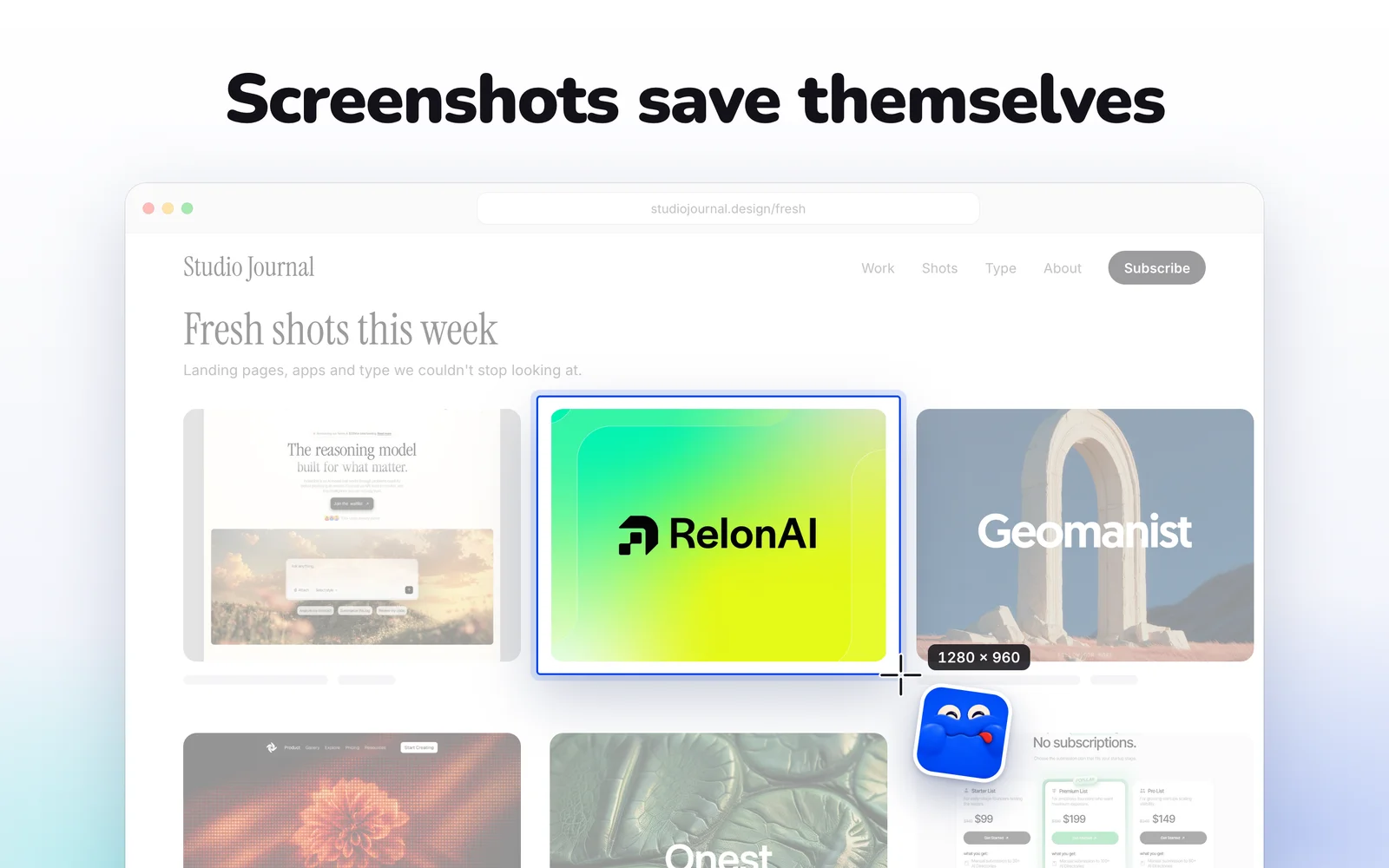
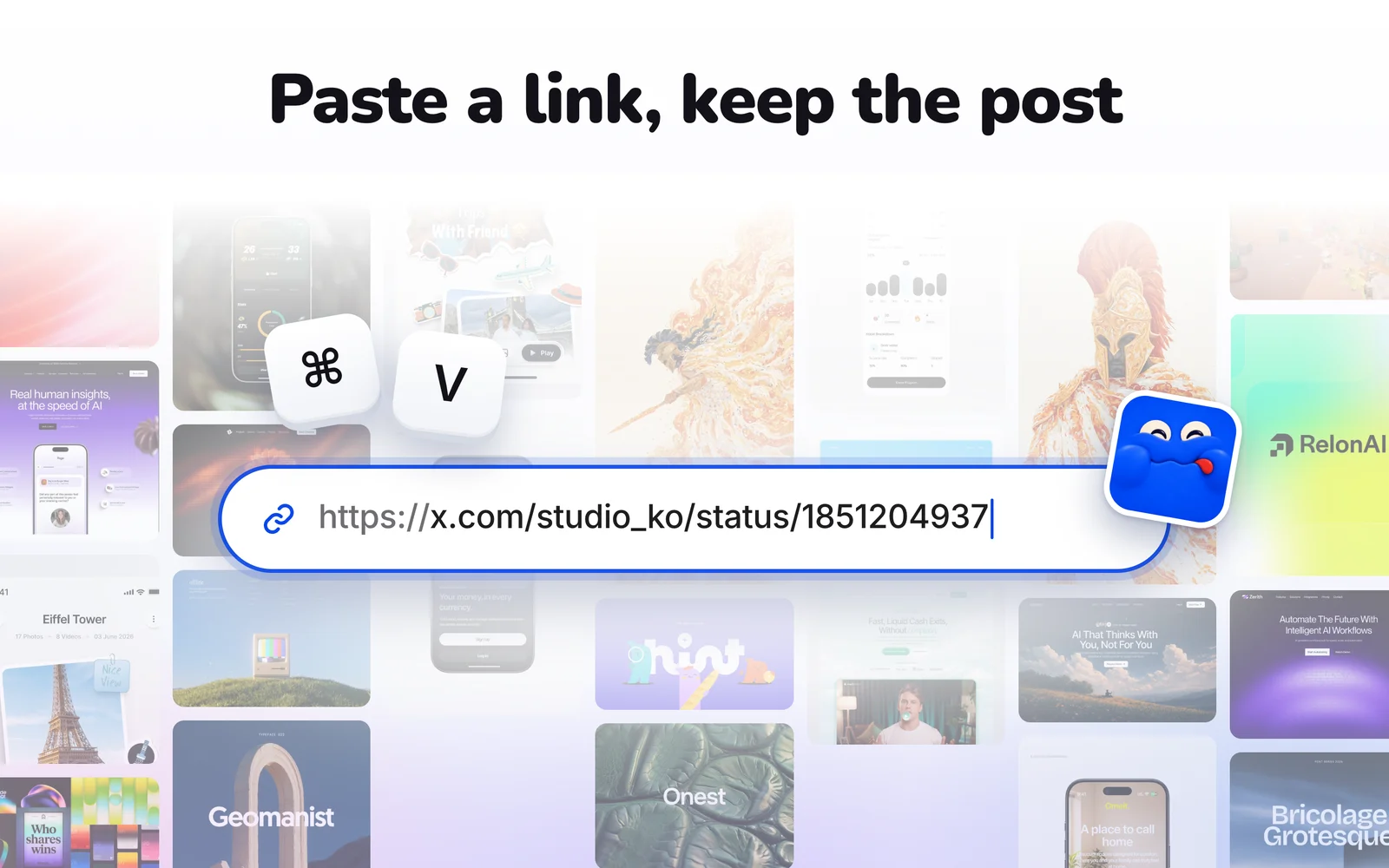
##Save without thinking about it Screenshots save themselves. Take a screenshot the way you always do, and Moody adds it to your library automatically. Paste a link from X, Instagram, LinkedIn, Pinterest or any public page with ⌘V, and Moody keeps the images, video, post text, author and original link together, so the reference stays useful even if the post disappears. Moody's Inbox finds screenshots from your iPhone in your Photos library, and you choose which ones to keep. You can also drag and drop images, GIFs and videos straight into the library, or capture from anywhere with a global hotkey and an always-on menu bar icon.
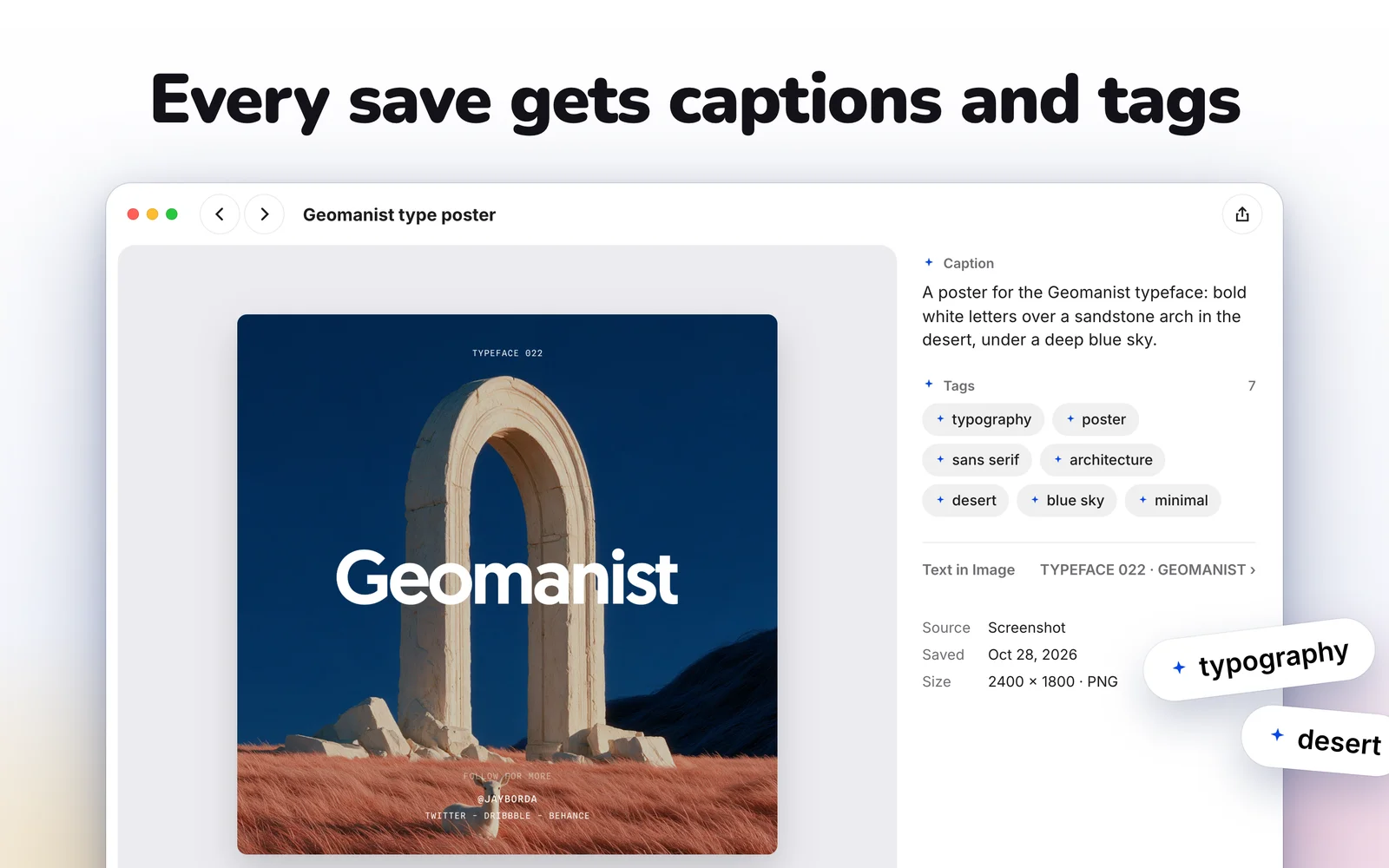
##Every save gets captions and tags Moody looks at each save on your Mac and writes a short caption, adds helpful tags and reads any text in the image. You never have to tag anything yourself. Your captions and tags stay editable, and nothing is uploaded to do this work.
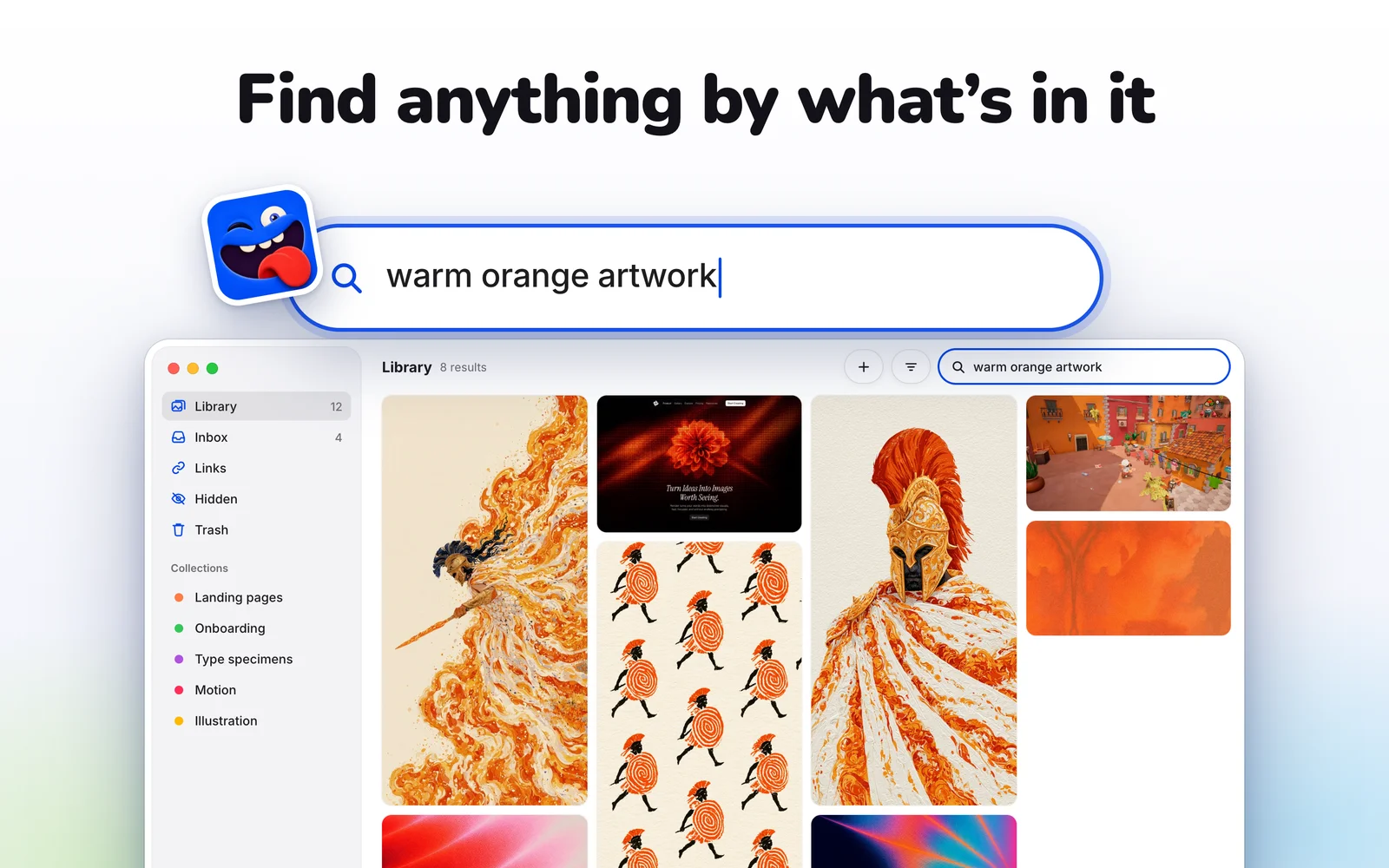
##Find anything by what's in it Search the way you remember things: "warm orange artwork", "onboarding with illustrations", "pricing page dark mode". Moody matches your words against what's actually in each save, including its caption, tags and on-screen text, not just its file name.
##Browse like a moodboard A masonry gallery is built for skimming hundreds of references at a glance. The focus viewer gives you zoom, details and the original source one click away. Collections group references by project, client or mood. You can make quick edits like crop, rotate and colour adjustments, and drag any reference out into Figma, Slack or anywhere else.
##Let your AI agent search your taste With Agent Access, AI assistants such as Claude, ChatGPT and Codex can search your Moody library, open results in Moody, and suggest captions and tags. It runs locally on your Mac, and nothing changes in your library without your approval. Ask "find warm, friendly onboarding screens", and the matching references appear side by side in Moody.
##Private by design Your library stays on your Mac. There's no account, no cloud library and no tracking. You can hide sensitive saves behind a lock, and deleted items wait in a recoverable Trash for 30 days.
##Made by designer, for designers Moody was designed and built by a designer who was tired of losing great references in a pile of screenshots. It's a native Mac app for people who think in pictures: product designers, brand designers, illustrators, developers and anyone who keeps a swipe file. It's quick to open, stays out of the way, and keeps getting better with free in-app updates
Try Moody free, then keep it with a one-time license.
Moody is a design tool for students, developers and designers, available on macOS. Moody is paid with a free trial; plans start at $20/mo. Key features include instant save, Fast browsing & search, Local AI tagging, Import iphone screenshots, save posts or links, create collectio. It integrates with Claude Code, Codex and Cursor through MCP. It is built by Nikhil Yadav and has been around since 2026. It launched on DodoLaunch in week 47 of 2026, finishing No. 34 that week.
Prices as listed by the maker. Check the website for current pricing.
| Product | Pricing | Platforms | Rating |
|---|---|---|---|
| Moody | From $20/mo | macOS | – |
| Verbatim | From $29/mo | Web, Chrome | – |
| 3DN1 | Paid | iOS, Android | – |
| Exismic | From $6.99/mo | Web | – |
| Mantis Shrimp Painting | From $3.99/mo | Web | – |
Honest reviews from real users help others decide.
Moody is paid with a free trial; plans start at $20/mo. Listed plans: Paid at $20/one-time. Prices are as listed by the maker; check the website for current pricing.
Moody is a paid product with a free trial, so you can test it before you pay.
Moody is available on macOS. It integrates with Claude Code, Codex and Cursor through MCP.
Moody is a design tool built for students, developers, designers and creators. It is listed in Design on DodoLaunch.
Popular alternatives to Moody in Design include Verbatim, 3DN1, Exismic and Mantis Shrimp Painting. They are ranked by reviews, votes and fit on the Moody alternatives page.
Moody launched on DodoLaunch in week 47 of 2026 and finished No. 34 on the weekly board.
Moody is built by Nikhil Yadav. The product was founded in 2026.
8Copy any website's real CSS, tokens and fonts, or hand them to your AI agent
 8
3D print from your phone
 8
Edit images, video, audio, and PDFs with AI-powered tools in one platform
 5
Colorful mantis shrimp paintings and HD downloads, a little ocean of color
 2
AI background remover for Mac that runs on device. HD, offline, pay once
Opens your assistant with a question about us. Read what it says.
Structured, machine-readable access to every launch.
 ChatGPT
 Claude
 Perplexity
 Grok
Discussion.
Ask the makers the question you'd ask on a sales call.