 16
TapMac turns a tap on your MacBook into an action

View multiple windows side by side on macOS with trackpad scrolling
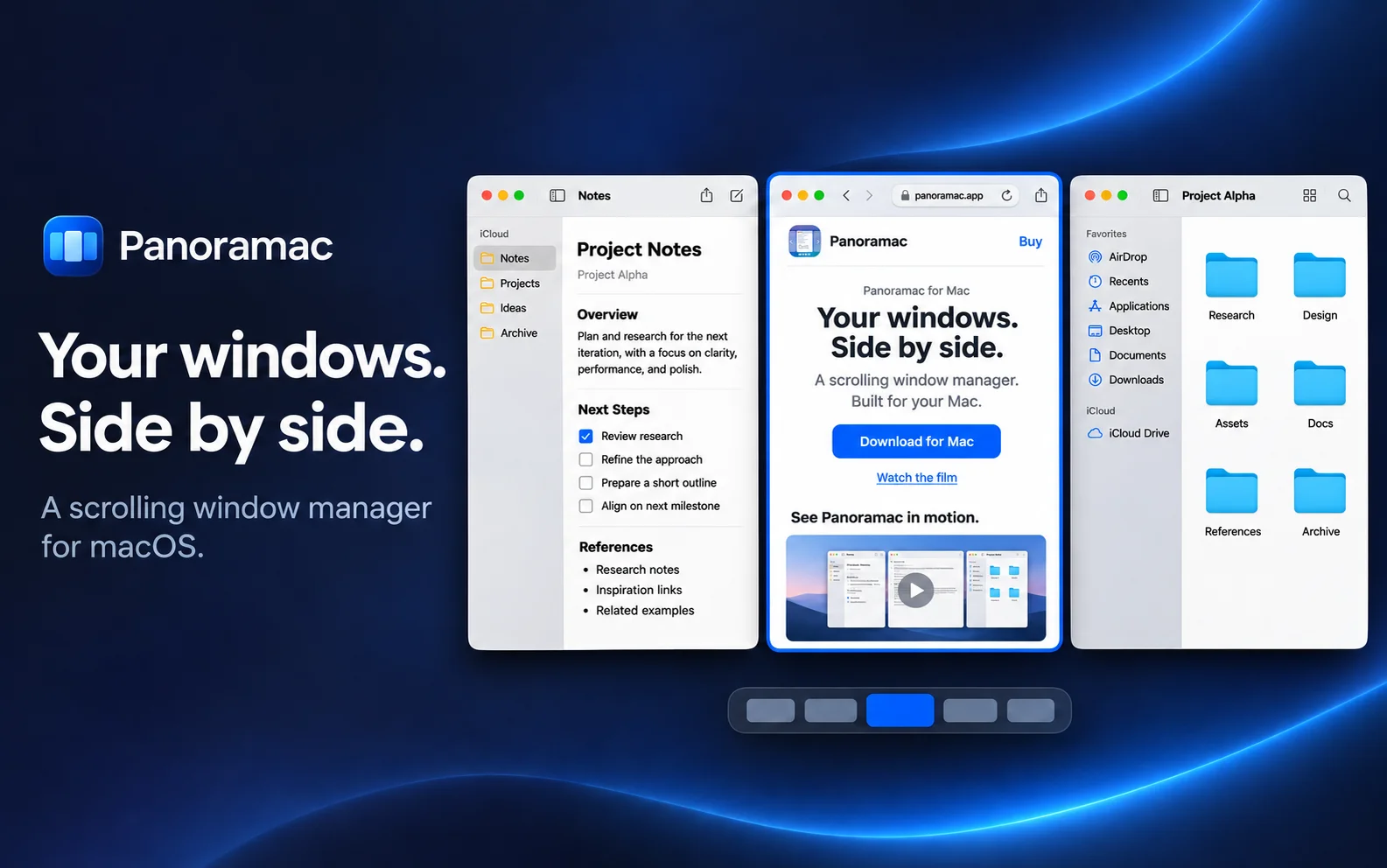
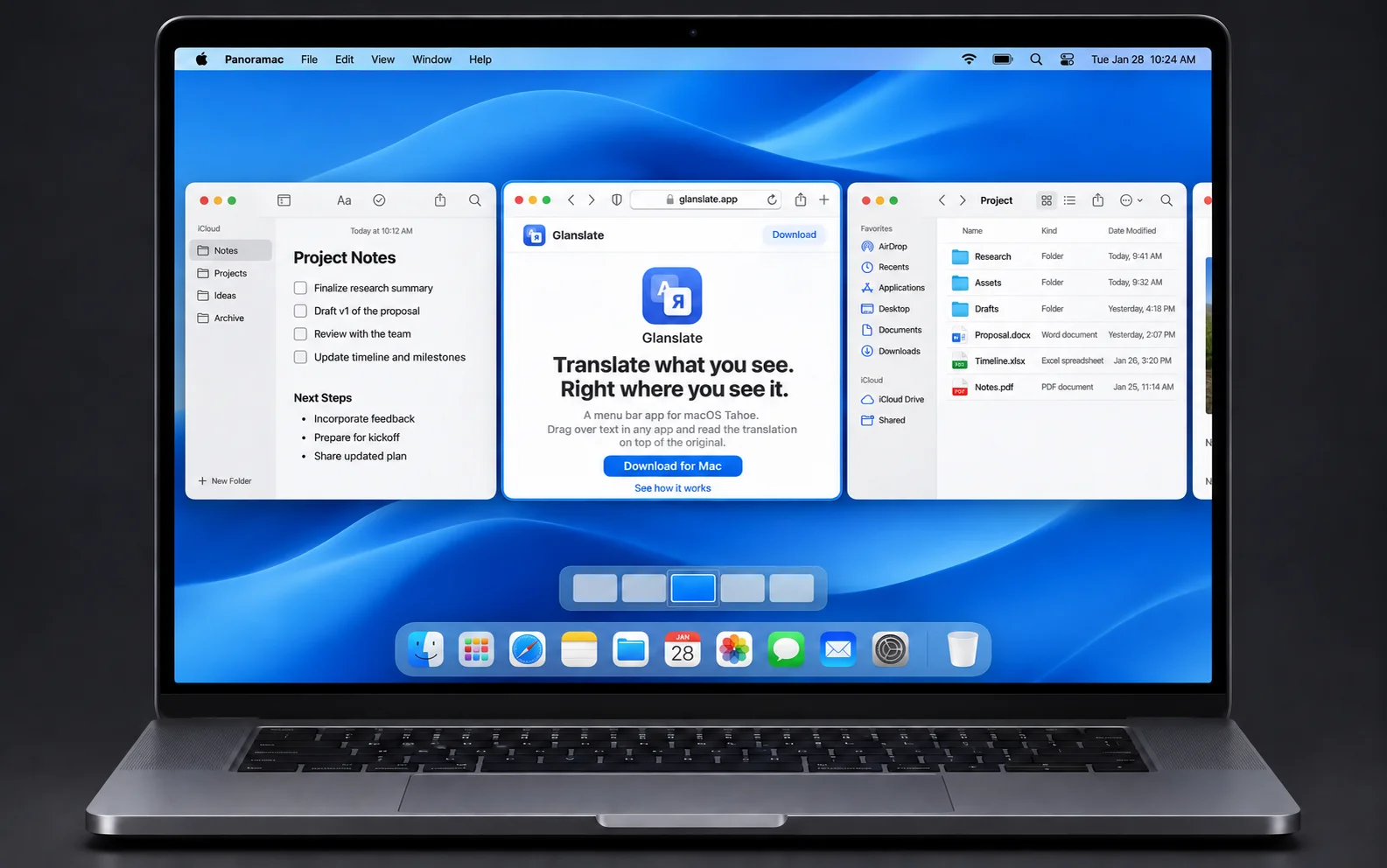
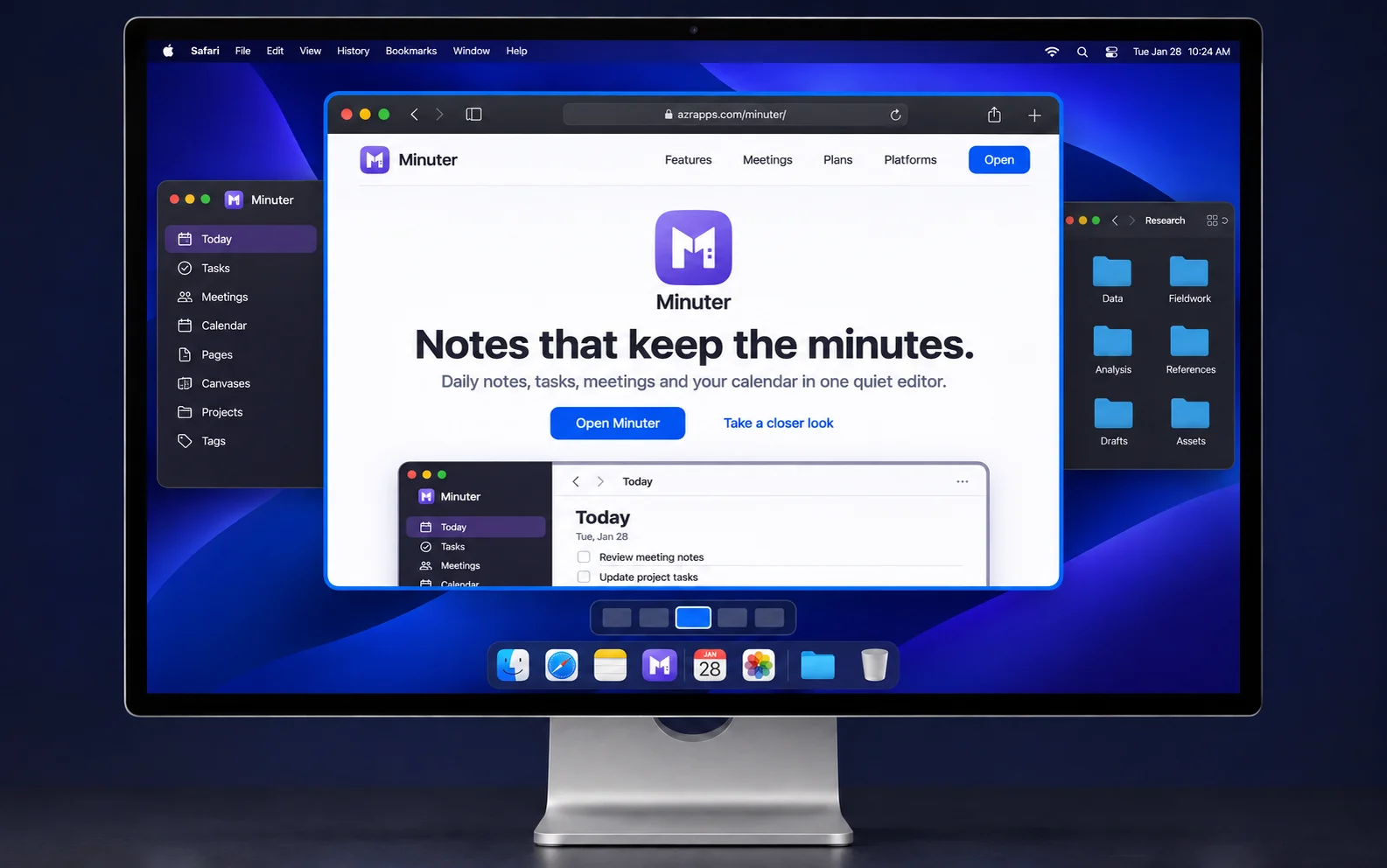
Panoramac is a scrolling window manager for macOS that lets you view and navigate multiple windows simultaneously. Choose which displays to manage, maintain independent scrolling strips, and swipe between windows using your trackpad for seamless navigation.
Designed as a native macOS app, Panoramac keeps your layout and preferences persistent across sessions. Stack related windows together, exclude specific apps, and control everything with keyboard shortcuts for efficient workflow management.
Workspaces, tabs, and pinned columns Give each project its own strip and keep the windows you use most at the edges of your display.
Separate strips on each display Enable workspaces in Settings. Each managed display starts with four inside each macOS Space. Panoramac remembers which workspace you’re in, its window order, focus, and scroll position.
Stacks, tabs, and pins Resize windows within a stack, show one window at a time in a tabbed column, or pin a column while the strip scrolls beside it.
Window widths and preferred heights adapt to the display they are on. Moving to a taller display preserves a full-height window’s preference, including when an app initially constrains its size. Near display seams and unmanaged neighboring displays, the whole strip aligns to an edge when needed to reduce empty gaps. Window widths and the spacing between columns are preserved. The minimap reflects the strip’s column spacing without reserving blank margins for unused scroll positions. Shared layouts follow the Spaces open on the selected displays. Rearranging those displays keeps their saved layout; a display showing a full-screen Space sits out. Display selection and strip layout are remembered across restarts and reconnects. The new display-layout controls are available in all ten interface languages. App rules control tiling, starting sizes and positions, and window grouping. Set reserved space independently at each edge and assign shortcuts for display focus and window transfers. Focus follows mouse and mouse follows focus are independent options. Run window and workspace commands from the CLI or enable URL commands in Settings.
Panoramac is a Mac app, available on macOS. Panoramac is a paid product. Key features include scrolling window manager for side-by-side viewing, independent scrolling strips per window, trackpad swipe navigation and per-display management selection. It is built by Hasan Harun Kilimci. It launches on DodoLaunch in week 48 of 2026.
Prices as listed by the maker. Check the website for current pricing.
| Product | Pricing | Platforms | Rating |
|---|---|---|---|
| Panoramac | Paid | macOS | – |
| Gettapmac | From $7.99/mo | macOS | 4.8 (4) |
| CleanUai | From $9/mo | macOS, Windows | 5.0 (3) |
| Ribbon | Free trial | macOS | 4.0 (1) |
| Scenes for Mac | From $9.99/mo | macOS | – |
Honest reviews from real users help others decide.
Panoramac is a paid product. Listed plans: DODOLAUNCH PRICE at $2.50/one-time. Prices are as listed by the maker; check the website for current pricing.
No. Panoramac is a paid product. The maker does not list a free plan.
Panoramac is available on macOS.
Panoramac is a Mac app. Panoramac is a scrolling window manager for macOS that lets you view and navigate multiple windows simultaneously. It is listed in Mac Apps on DodoLaunch.
Popular alternatives to Panoramac in Mac Apps include Gettapmac, CleanUai, Ribbon and Scenes for Mac. They are ranked by reviews, votes and fit on the Panoramac alternatives page.
Panoramac is scheduled to launch on DodoLaunch in week 48 of 2026.
Panoramac is built by Hasan Harun Kilimci.
16TapMac turns a tap on your MacBook into an action
 12
Free up disk space by finding junk files, duplicates, and uninstalling apps clea
 10
The Mac window manager where nothing ever shrinks
 10
Switch your whole Mac between kinds of work in one keypress
 9
Freshly Squeezed - A powerful batch image resizing tool for Mac
 9
Capture, annotate, and share screenshots with one click on macOS
Opens your assistant with a question about us. Read what it says.
Structured, machine-readable access to every launch.

 ChatGPT
 Claude
 Perplexity
 Grok
Discussion.
Ask the makers the question you'd ask on a sales call.