 16
TapMac turns a tap on your MacBook into an action

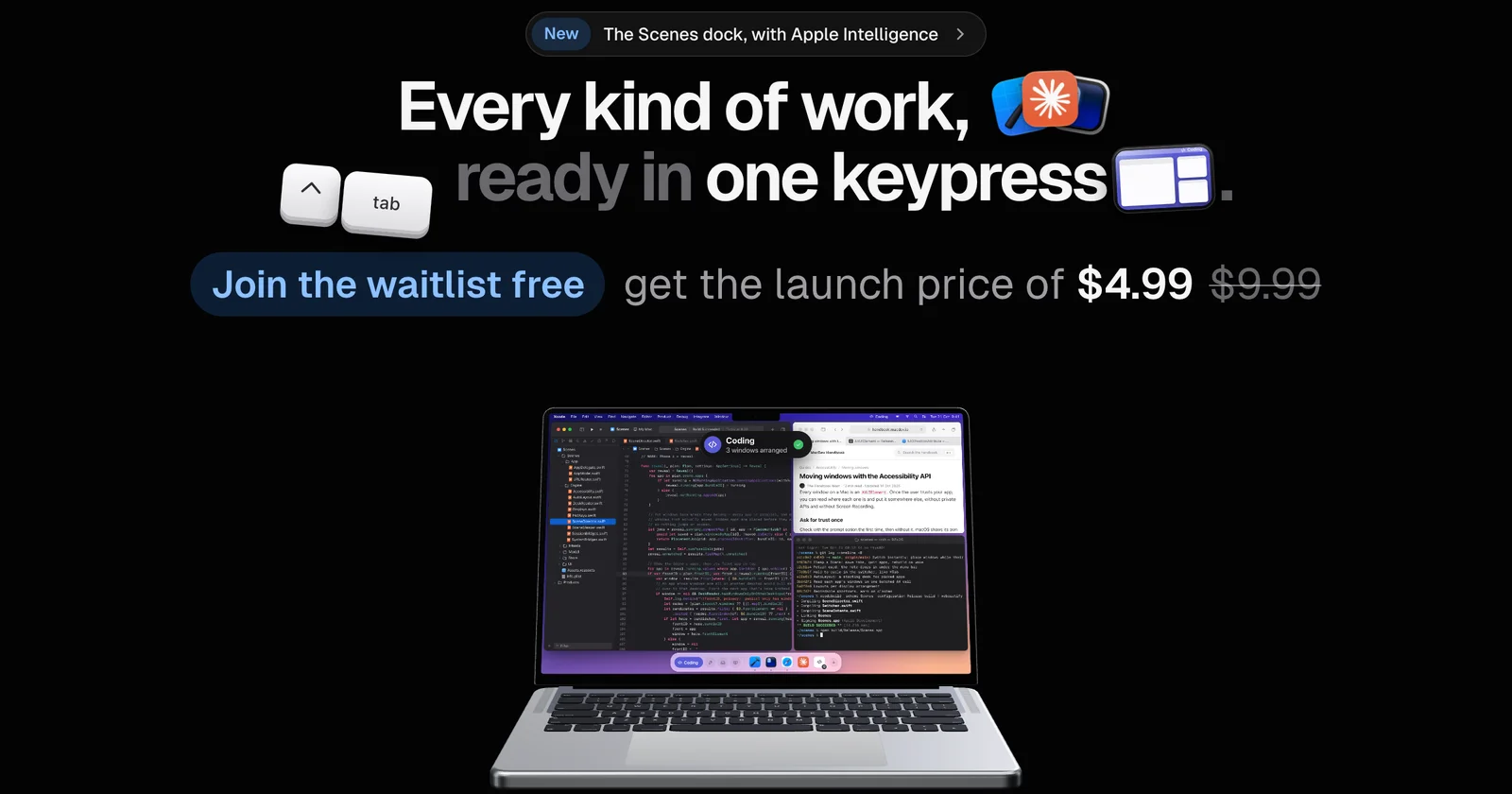
Switch your whole Mac between kinds of work in one keypress
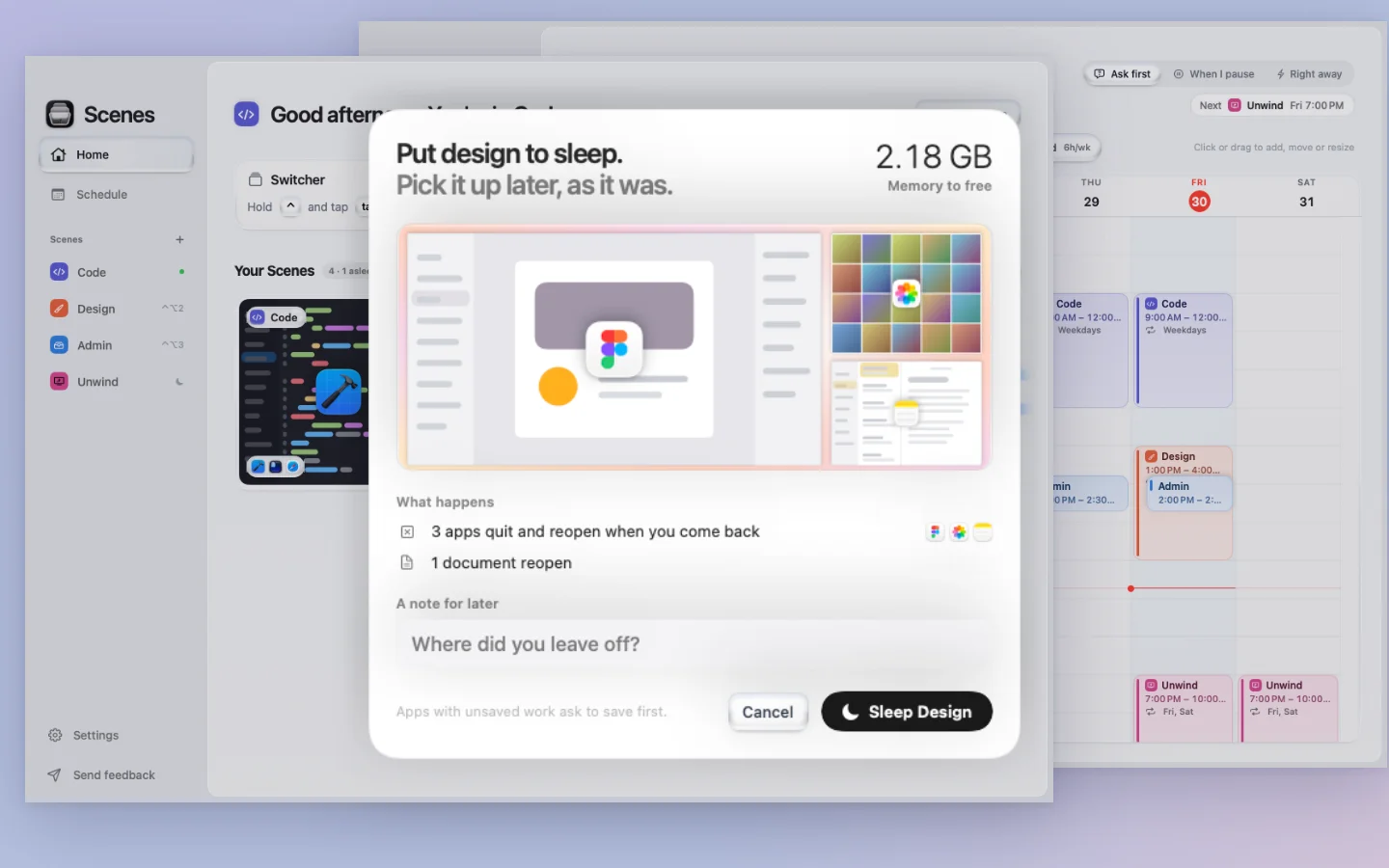
Scenes is for people who switch between kinds of work all day (coding, design, writing, calls) and are tired of setting up their Mac again every time.
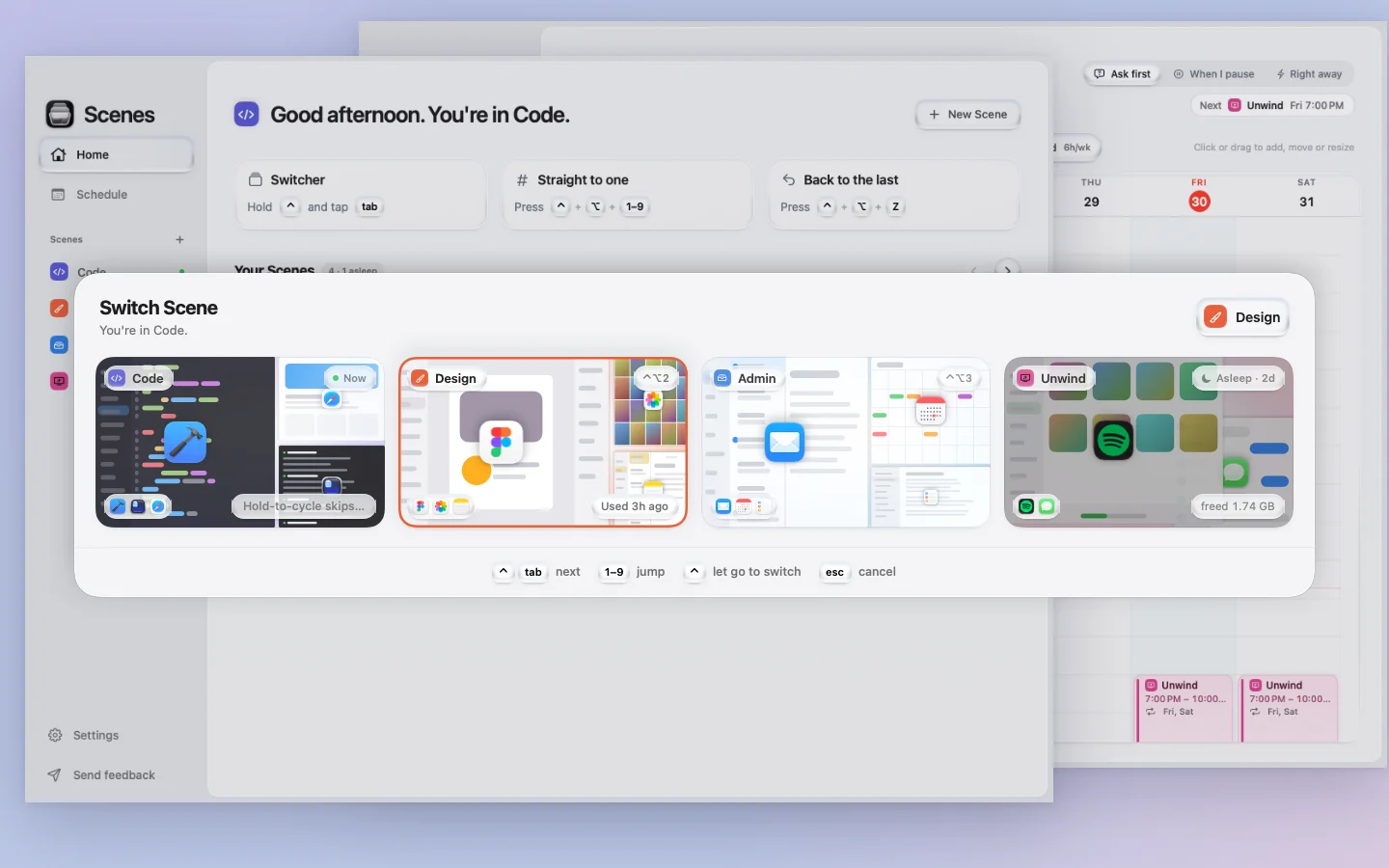
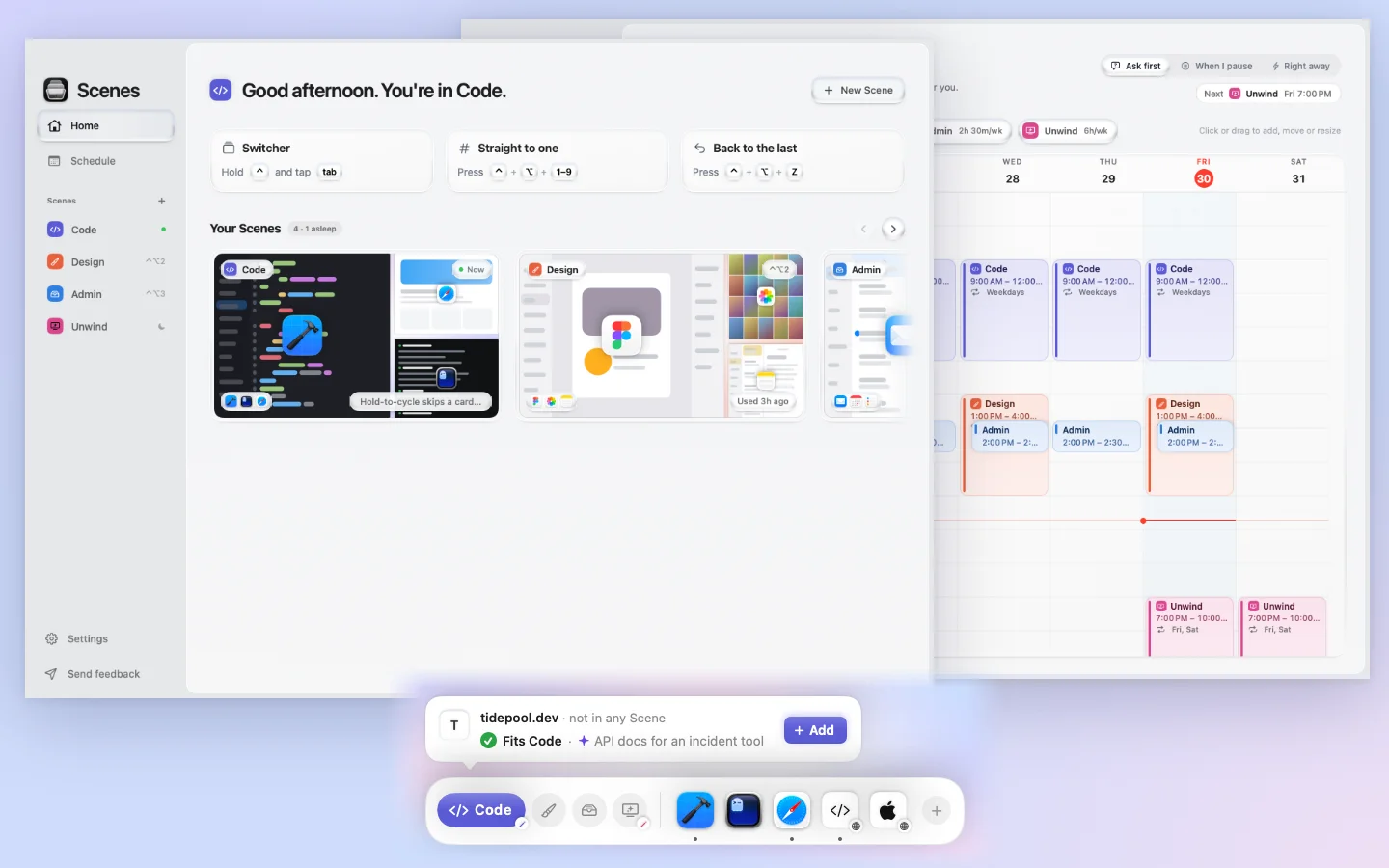
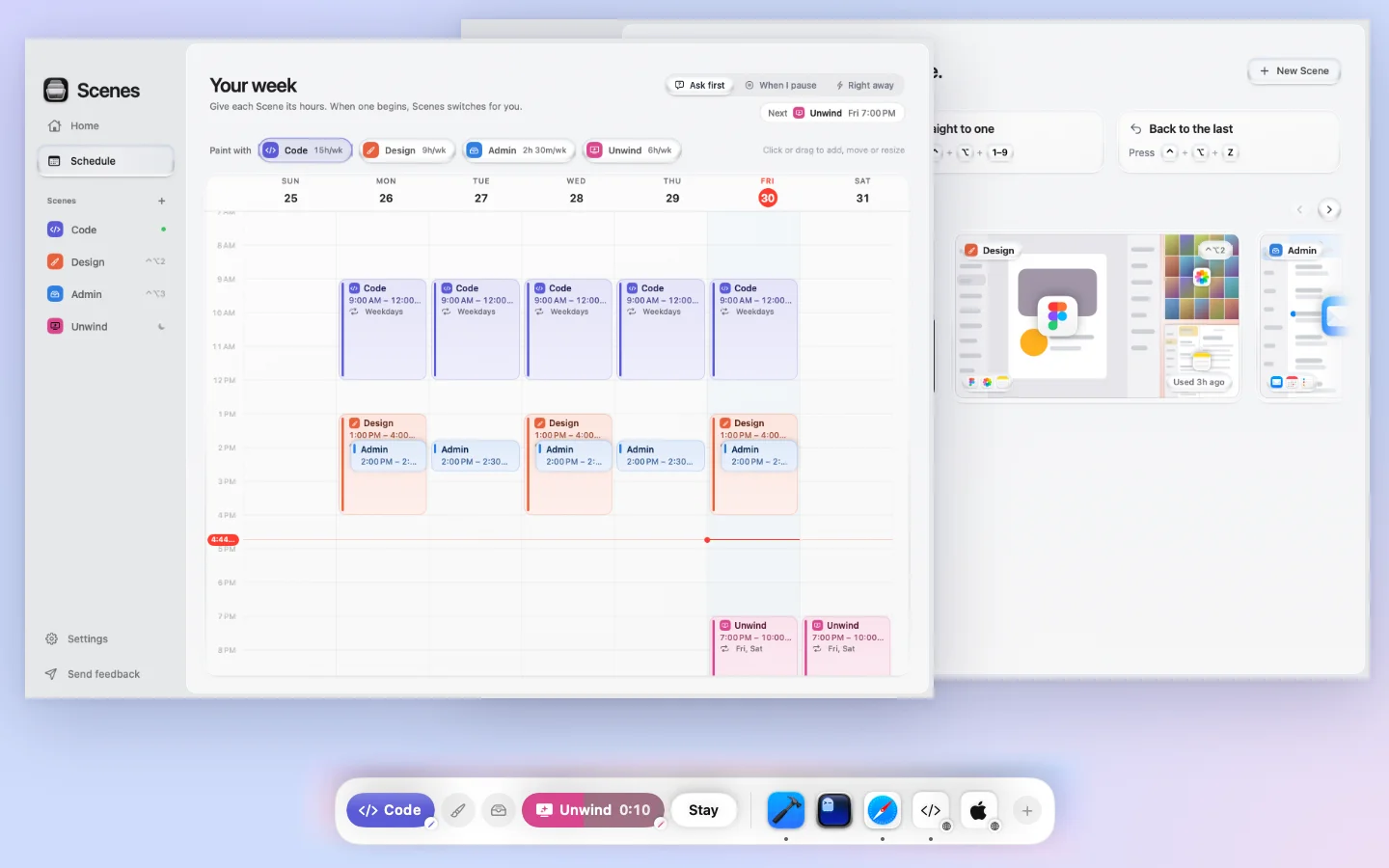
Each kind of work becomes a Scene: its apps, where every window goes, its browser tabs, documents and wallpaper. Hold Control and tap Tab, pick a Scene, and your whole Mac changes over. Apps you closed reopen, windows land where they were, and the right tabs come back.
What makes it different:
No account and no analytics in the app: your setups stay on your Mac. One-time purchase with a 7-day refund. Notarized by Apple, for macOS 15 Sequoia or later.
Scenes for Mac is a Mac app for solo founders, developers and marketers, available on macOS. Scenes for Mac is a paid product; plans start at $9.99/mo. Key features include control-Tab switches your whole Mac to another Scene, reopens closed apps and puts every window back in place, brings back browser tabs, documents and wallpaper and same app in many Scenes, no macOS Spaces needed. It integrates with Safari, Google Chrome, Arc, Dia and Brave. It is built by Rashem Pandit. It launched on DodoLaunch in week 47 of 2026, finishing No. 17 that week.
Prices as listed by the maker. Check the website for current pricing.
| Product | Pricing | Platforms | Rating |
|---|---|---|---|
| Scenes for Mac | From $9.99/mo | macOS | – |
| Gettapmac | From $7.99/mo | macOS | 4.8 (4) |
| Ribbon | Free trial | macOS | 4.0 (1) |
| Freshly Squeezed | Free trial | macOS | 4.0 (1) |
| iSkitch | From $9.99/mo | macOS | – |
Honest reviews from real users help others decide.
Spaces gives you empty numbered desktops that you still set up yourself. Scenes works on the desktop you’re on and changes what’s on it: it reopens apps, puts every window back, and brings back tabs, documents and wallpaper. The same app can be in several Scenes, each with its own layout.
Every browser’s windows are placed in your layouts. Tabs come back in Safari, Chrome, Arc, Dia, Brave, Edge, Vivaldi and Chromium. Firefox and Zen don’t let other apps read their tabs, so only their windows are placed.
Yes. It’s signed with an Apple Developer ID and notarized by Apple, so macOS opens it without any warning.
Accessibility, to move and resize windows. macOS asks once per browser before Scenes can read its tabs, and everything else works if you say no. No Screen Recording.
No. By default Scenes hides the apps you’re not using. When a Scene sleeps, any app with unsaved work asks you to save first, exactly as if you’d quit it yourself.
No analytics and no account. Your Scenes live in one file on your Mac, and the app only goes online to activate a license key.
A one-time purchase for one Mac, with every 1.x update included. If it’s not for you, email within 7 days and you get a full refund.
No. Scenes for Mac is a paid product starting at $9.99/mo. The maker does not list a free plan.
Scenes for Mac is available on macOS. It integrates with Safari, Google Chrome, Arc, Dia, Brave and Microsoft Edge.
Scenes for Mac is a Mac app built for solo founders, developers, marketers and designers. It is listed in Mac Apps on DodoLaunch.
Popular alternatives to Scenes for Mac in Mac Apps include Gettapmac, Ribbon, Freshly Squeezed and iSkitch. They are ranked by reviews, votes and fit on the Scenes for Mac alternatives page.
Scenes for Mac launched on DodoLaunch in week 47 of 2026 and finished No. 17 on the weekly board.
Scenes for Mac is built by Rashem Pandit.
16TapMac turns a tap on your MacBook into an action
 10
The Mac window manager where nothing ever shrinks
 9
Freshly Squeezed - A powerful batch image resizing tool for Mac
 9
Capture, annotate, and share screenshots with one click on macOS
 8
Pair two Mac windows; one divider resizes both.
 8
Free up disk space by finding junk files, duplicates, and uninstalling apps clea
Opens your assistant with a question about us. Read what it says.
Structured, machine-readable access to every launch.
 ChatGPT
 Claude
 Perplexity
 Grok
Discussion.
Ask the makers the question you'd ask on a sales call.