

 10
A paper-style to-do list you can cut and tear off on your Mac

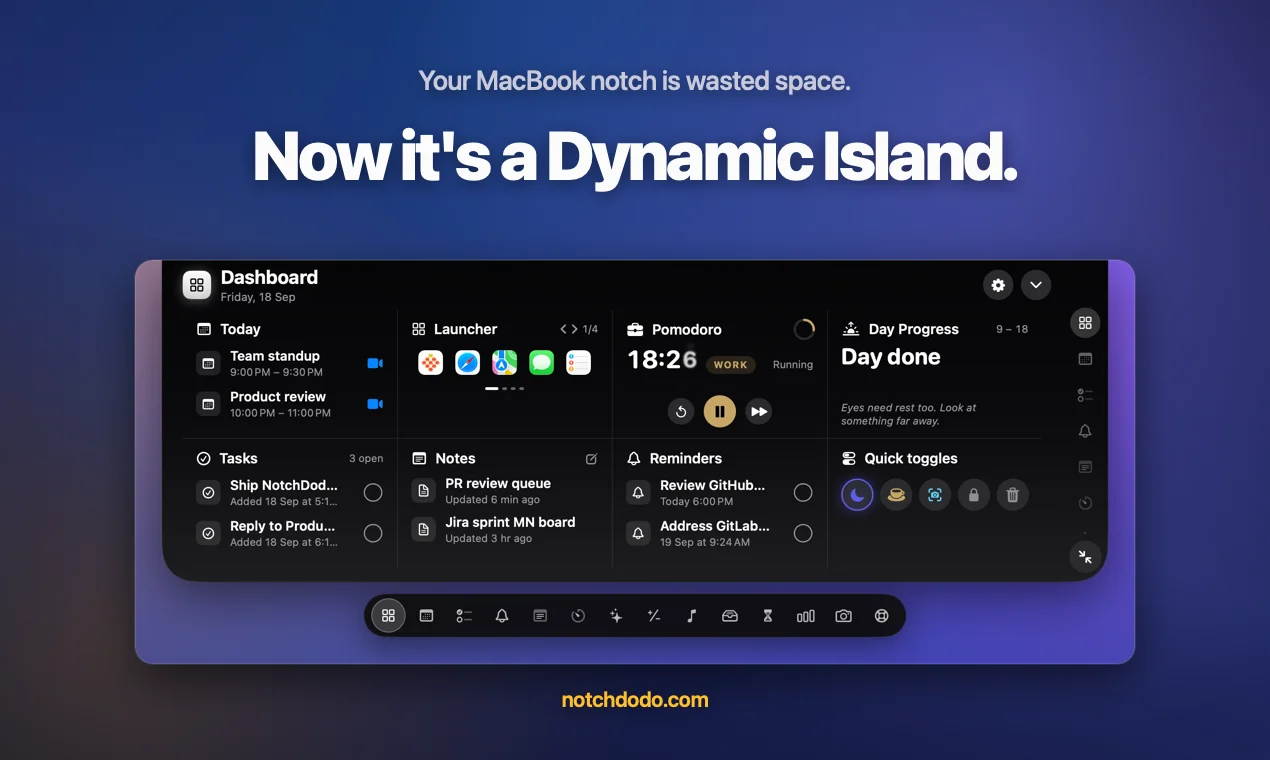
Turn your MacBook notch into a Dynamic Island with 18 tools
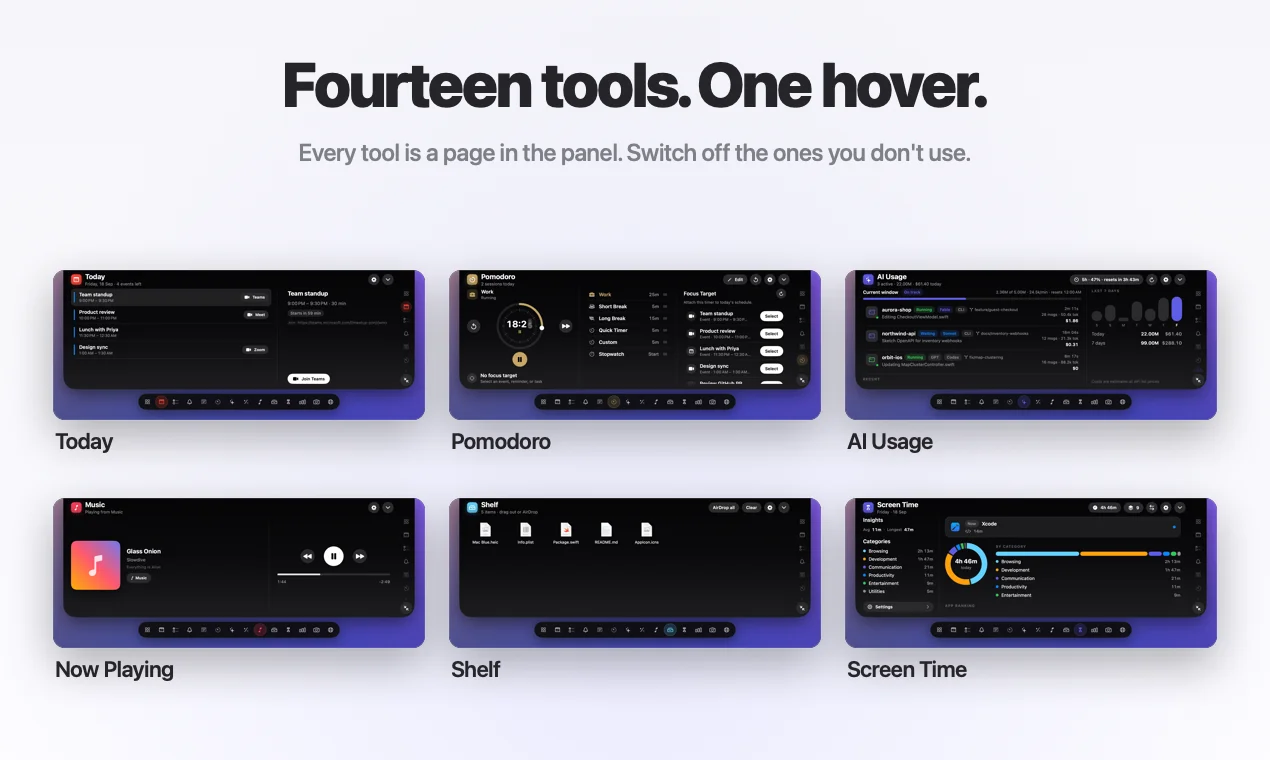
NotchDodo turns the notch on your MacBook into a Dynamic Island with 18 built-in tools. It's for Mac users who live in their calendar, music and terminal, and who are tired of a menu bar full of separate apps. Move the pointer to the notch and your whole day is in one panel. Move it away and the notch disappears again.
What you get
Why it's different
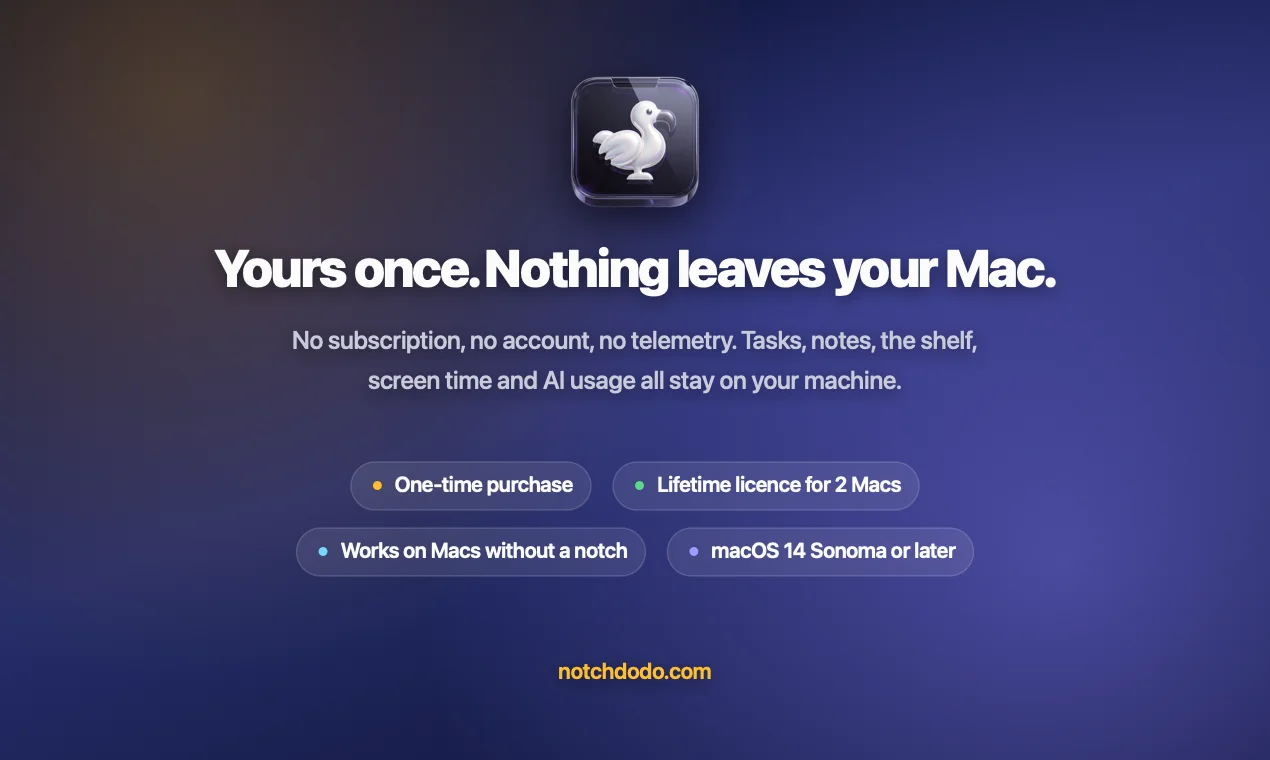
Most notch apps only show music. NotchDodo replaces a whole set of menu bar utilities with one native app: a clipboard manager, a keep-awake tool, a timer and an AI usage tracker. It's a one-time price with no subscription and no account, it works on 2 Macs, and your data stays on your Mac.
Who it's for
Developers running coding agents, designers juggling files and screenshots, and anyone with a notched MacBook who wants it to do more than hide the camera.
NotchDodo is a productivity tool for solo founders, agencies and startups, available on macOS. NotchDodo is a paid product; plans start at $9.99/mo. Key features include the Dynamic Island for your MacBook, new in NotchDodo, keep awake for AI agents and eighteen tools. One hover. It is built by Almas Malik. It launched on DodoLaunch in week 43 of 2026, finishing No. 1 that week. Users rate it 5.0 out of 5 across 1 review.
Prices as listed by the maker. Check the website for current pricing.
| Product | Pricing | Platforms | Rating |
|---|---|---|---|
| NotchDodo | From $9.99/mo | macOS | 5.0 (1) |
| Chitroll for Mac | Paid | macOS | – |
| Easy Seating Chart | From $9.90/mo | Web | – |
| Trailback | From $9/mo | macOS, Windows, Chrome | – |
Finally the mac is useful, really amazing tools to increase the productivity!
NotchDodo is a paid product; plans start at $9.99/mo. Listed plans: Paid at $9.99/month. Prices are as listed by the maker; check the website for current pricing.
No. NotchDodo is a paid product starting at $9.99/mo. The maker does not list a free plan.
NotchDodo is available on macOS.
NotchDodo is a productivity tool built for solo founders, agencies, startups and developers. It is listed in Productivity on DodoLaunch.
Popular alternatives to NotchDodo in Productivity include Chitroll for Mac, Easy Seating Chart and Trailback. They are ranked by reviews, votes and fit on the NotchDodo alternatives page.
NotchDodo launched on DodoLaunch in week 43 of 2026 and finished No. 1 on the weekly board.
NotchDodo is built by Almas Malik.
10A paper-style to-do list you can cut and tear off on your Mac
 5
Free online seating-chart tool for weddings, dinners, and events.
 5
Websites you visit, files you open, screenshots you take, text you copy

AI background remover for Mac that runs on device. HD, offline, pay once
Opens your assistant with a question about us. Read what it says.
Structured, machine-readable access to every launch.
 ChatGPT
 Claude
 Perplexity
 Grok
Discussion.
3 commentsQuestion from someone who lives in full screen mode: does the notch zone still work when an app is fullscreen, or does it duck out like the menu bar does? That's where most notch apps fall over. 18 tools is a lot to fit in that little strip, would love to know which ones people actually end up using most.
Good question, and yes, it works in full screen. NotchDodo's window is set up to stay on top of full-screen apps, so it doesn't duck away the way the menu bar does. Hover the notch while you're in a full-screen app and it opens like it normally would. You can also drag files onto the notch shelf in full screen. The passive stuff is a bit different. Meeting heads-ups and banners (like "Claude Code needs you") hold back while you're in a full-screen app or on a call, so nothing drops down over your movie or your slides. If you'd rather the notch disappear completely in full screen, that's one switch in Settings ("Hide in full-screen apps"). It's off by default. On the 18 tools: honestly, I don't know which ones people use most, because NotchDodo has no usage tracking. Nothing about how you use it leaves your Mac, so I only hear about it when people tell me. You also don't have to live with all 18. Turn off the ones you don't use and the strip only shows the ones you keep. If you try it, I'd love to hear which ones you keep
Appreciate the detailed answer, holding banners back in full screen is the right call. And respect for shipping with zero usage tracking, that's rare. If I pick it up I'd probably live in the clipboard history and the Claude Code usage panel, and keep-awake while agents run sounds genuinely useful. Will report back with which ones survive.